
Table of contents
The General Settings section allows you to define the basic properties and behavior of your form. This includes the form name, description, visibility, and how submissions are stored.
These settings are applied per form and do not affect other forms in your dashboard.
To access general settings, open your form and navigate to the Settings tab, then select General settings from the left-side panel.
Here, you can configure all basic options related to your form.
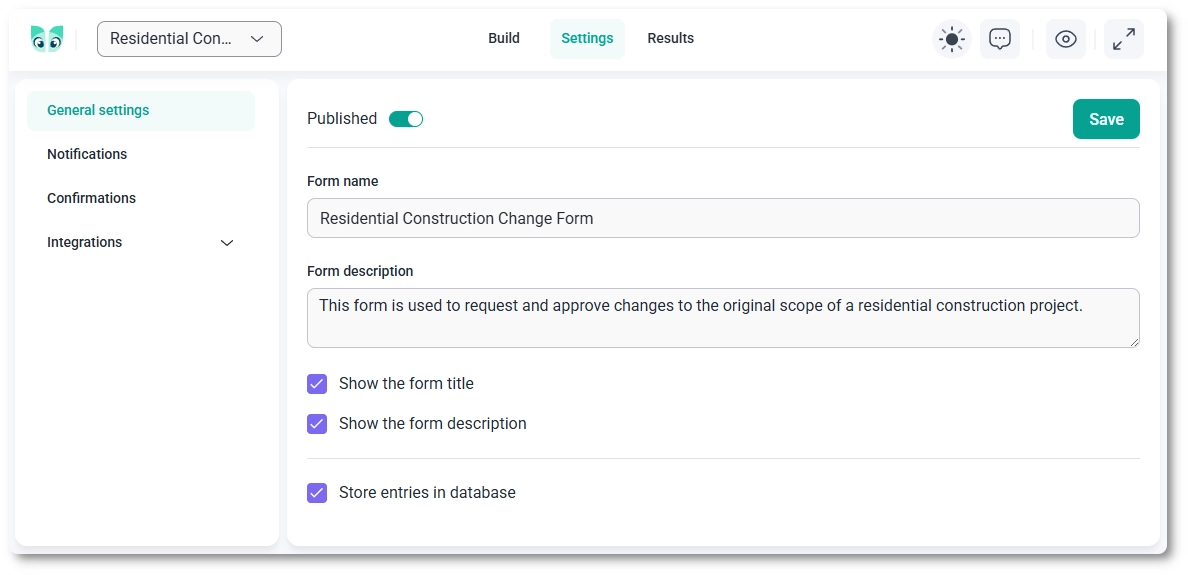
In the General Settings section, you can define the core information about your form:
You can control whether the form title and description are shown on the front end:
IvyForms allows you to control whether submitted data is saved in your database:
General settings should be configured right after creating your form. These options define how the form appears to users and how submissions are handled, making them an essential first step before setting up notifications or integrations.