




The best AI plugins for WordPress connect a site’s dashboard, page builder, or database to a machine learning model, turning a plugin that follows fixed rules into one that writes,…
Table of contents
You install the free plugin, build a contact form, then discover conditional logic costs extra. So does file upload. So does Stripe.
That add-on math is why most people start hunting for Ninja Forms alternatives in the first place.
Plugin pricing shifts regularly, so confirm current rates before buying.
What Is a Ninja Forms Alternative?
Any WordPress form builder that covers the same ground counts. Form building, entry storage, notification handling, third-party connections. What separates the options is whether those jobs ship inside one license or get split across separately priced add-ons.
Form building means a drag and drop editor, field types, multi-column and multi-page layouts. Entry storage means submissions written to the database rather than fired off as an email and forgotten. Notification handling covers admin alerts, user confirmations, and conditional routing to different inboxes. Third-party connections cover email marketing, CRM, payment gateways, webhooks, and Zapier.
Replacements fall into three buckets, and the bucket you pick decides where your data lives.
| Type | Where data sits | Examples |
|---|---|---|
| Plugin-based | Your own server, inside WordPress | IvyForms, WPForms, Fluent Forms, Gravity Forms |
| Hosted | Vendor servers, embedded by script | Jotform, Typeform |
| Page builder module | Varies, often no entry table | Elementor Forms, Divi Contact |
Two things do not qualify as replacements, no matter how often they show up on listicles.
- Contact Form 7 on its own, since it stores nothing without Flamingo bolted on
- Page builder form modules with no submissions table and no export
And the word “alternative” carries a specific weight here. You are not installing fresh. You have live entries, live shortcodes, and live integrations, whatever types of forms you happen to be running.
That makes this a migration decision, not a shopping decision.
Why Do WordPress Users Replace Ninja Forms?
Add-on costs reach $499 per year at the top membership tier. Front-end script weight sits in the 200-250KB range. Premium features stay gated behind purchases that competitors include by default. The free core stays generous, but the paid path gets expensive.
Add-On Costs That Stack Fast
Ninja Forms sells premium features individually or through three membership tiers: $99/year for a single site, $199/year for 20 sites, and $499/year for unlimited sites with every add-on.
FatLab Web Support describes the escalation pattern better than any price table does. A nonprofit installs the free core for a contact form. Six months later they need conditional logic for event registration, which is $99/year. Three months after that they need payment processing, an upgrade to $199/year. The following year the board wants form data in the CRM, which is $499/year for Elite.
| Tier | Annual cost | Sites | Typical trigger |
|---|---|---|---|
| Personal | $99 | 1 | Conditional logic |
| Professional | $199 | 20 | Payment processing |
| Elite | $499 | Unlimited | CRM integrations |
Each step feels incremental. The two-year total, counting the time spent researching and configuring each add-on, exceeds what a bundled plugin would have cost on day one.
Ninja Forms discounts the first year by 40% and renews at full price, which is where the budget surprise usually lands.
Performance and Script Loading
Ninja Forms historically shipped 300KB+ of front-end assets. Recent versions pulled that down to roughly 200-250KB, and assets load only on pages that actually contain a form.
Compare that to Fluent Forms, which claims under 42KB of CSS and JS combined.
The bigger headache is the dependency chain. The builder leans on jQuery, Underscore, and Backbone, which is why WP Rocket’s Delay JavaScript feature has broken Ninja Forms rendering unless those files are excluded.
One Capterra reviewer put it plainly: it slows a site more than some, though a good developer can work around it.
Feature Gaps in the Free Core
Credit where due. The free core gives you unlimited forms, unlimited submissions, entry storage, entry export, spam protection, and 27+ field types, which beats most freemium form plugins outright. WPForms Lite, by contrast, stores nothing.
What it withholds is native styling controls, conditional logic, file upload fields, multi-part forms, and payment processing.
Every one of those is a separate purchase. Setting up a WordPress form with file upload means buying an extension before you write a single field label.
Email delivery is its own rabbit hole. Plenty of users hit the Ninja Forms not sending email problem and end up configuring an SMTP provider anyway, since the native PHP mail function is unreliable for notification delivery.
IvyForms: The Closest Direct Replacement for Ninja Forms
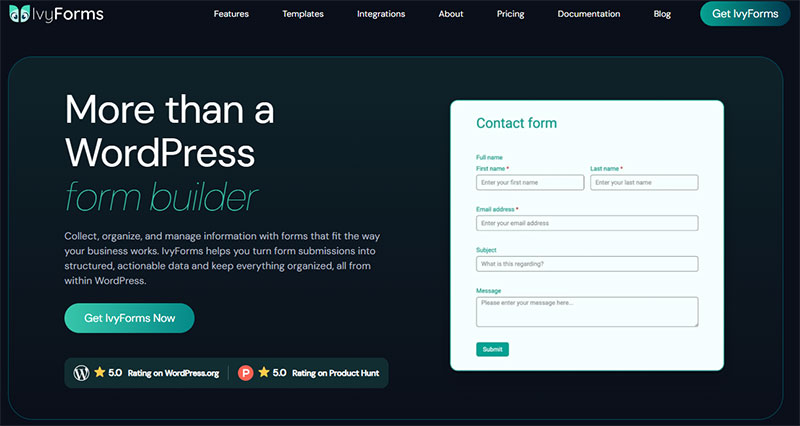
Ninja Forms is flexible thanks to its modular add-ons and long track record — but the free core needs paid add-ons for logic, uploads and multi-part forms, and costs stack up. IvyForms bundles those features into flat plans with a cleaner, more modern builder. It also comes from Melograno (wpDataTables, Amelia, Trafft), so instead of buying add-ons to move your data around, entries flow natively into wpDataTables as sortable tables or into Amelia for bookings. Ninja’s edge is its large add-on catalogue and years of WP-hook integrations, which IvyForms hasn’t matched.
| Ninja Forms | IvyForms | |
|---|---|---|
| Starting price | $99/yr (or add-ons on free core) | Free; from €29/yr |
| Unlimited sites | ~$499/yr (Agency) | €99/yr |
| Lifetime option | None | €399 one-time |
| Advanced features | Bundled in membership / add-ons | Included in flat plan |
| Interface | Functional but aging | Modern drag & drop + live preview |
| Ecosystem | Large add-on catalogue, WP hooks | Native wpDataTables & Amelia integrations |
Honest trade-off: if you rely on specific Ninja add-ons or its hook-based extensibility, Ninja still fits. If you’d rather have the common advanced features included, in a cleaner builder, at a lower price, IvyForms is the better everyday choice.
The value gap widens over time: Ninja has no lifetime option, so its unlimited plan bills every year, while IvyForms’ Elite Lifetime is €399 once (early-bird; reg. €997) — unlimited sites, every feature and everything still on the roadmap, paid a single time.
See the all-in price: see IvyForms plans → or try it free →.
Features Included Without Add-Ons
The free tier is unusually complete for a plugin this young.
- Entry management and permissions built in
- Anti-spam via reCAPTCHA, hCaptcha, and Cloudflare Turnstile
- Multi-page forms, Google Sheets sync, Square, and Amelia integration
- GDPR handling, which matters if you are working through how to create GDPR compliant forms for an EU audience
Paid tiers add advanced fields, digital signatures, Mailchimp, conversational forms, Likert and NPS survey fields, webhooks, and a REST API.
Pricing Against a Full Ninja Forms Stack
Essentials covers a single domain and unlocks conditional logic and advanced fields. Growth stretches the same feature set across 3 domains, Agency goes unlimited, and Elite is a one-time lifetime payment covering unlimited domains plus every current and future feature.
The structural difference against Ninja Forms is that tier changes buy you site count, not features. There is a 15-day money-back guarantee, and the Lite version needs no credit card.
If you have been comparing form builders with conditional logic, that distinction is the whole ballgame.
Where IvyForms Falls Short
Calculations are not shipped yet. Current conditional logic handles show and hide rules, not arithmetic.
Zapier, Slack, multiple payment methods, and the survey module are all still roadmap items too.
The install base is a small fraction of Ninja Forms’, so you will not find a decade of Stack Overflow answers for edge cases. If you need quote calculators today, look at Formidable instead.
WPForms: The Beginner-First Alternative
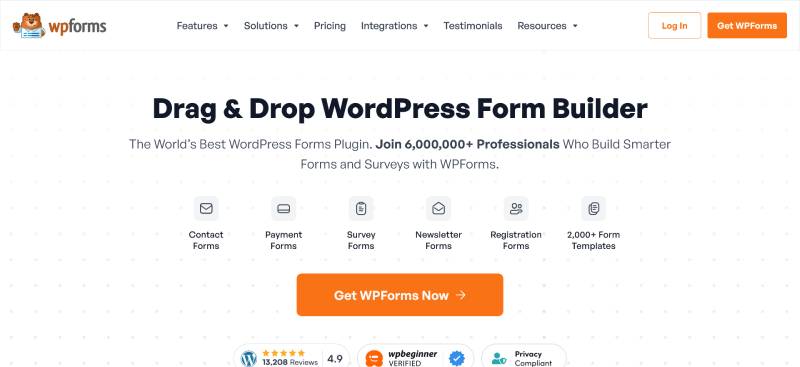
WPForms is the most installed WordPress form plugin, with 6 million+ active installs according to the WordPress.org directory. It wins on onboarding polish and template volume, and loses on renewal pricing, which roughly doubles after year one.
There is a trap in the free version. WPForms Lite does not store entries, so if email delivery fails, the submission is gone. Ninja Forms free stores everything, which is a genuine point in its favour.
| Tier | Year 1 | Renewal |
|---|---|---|
| Basic | $49.50 | ~$99 |
| Plus | $99.50 | ~$199 |
| Pro | $199.50 | ~$399 |
Agency and Elite tiers sit above Pro, covering 20 sites and unlimited sites respectively. Watch the site counts as closely as the prices: Pro covers 5 sites, so unlimited-domain coverage sits two tiers up.
HubSpot and Salesforce sit on the top tier only. Gravity Forms Elite covers unlimited sites and CRM add-ons at $259/year, which makes WPForms the pricier option for the same job.
Awesome Motive owns the plugin, and the upsell notices inside wp-admin are constant. Reviewers regularly flag nag notices on every admin page.
It suits contact forms, newsletter signups, and non-technical site owners who want a wizard. Our comparison of WPForms alternatives is worth reading before you commit to a renewal cycle.
Heavy conditional trees and calculation-driven quote forms are where it stops making sense.
Fluent Forms: The Performance-Focused Alternative
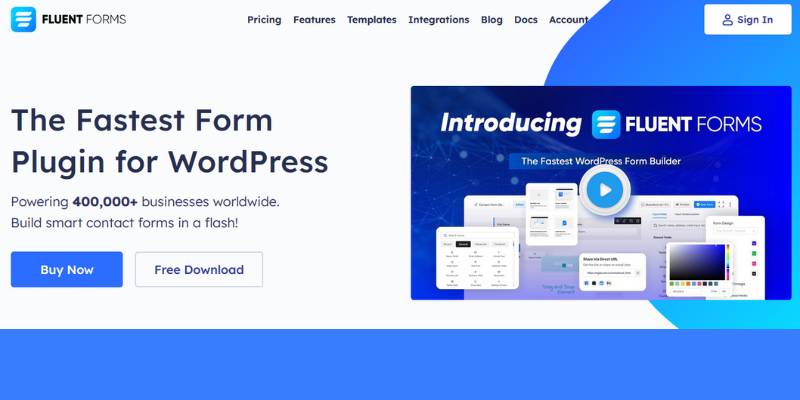
Fluent Forms loads under 42KB of CSS and JavaScript combined and runs on more than 500,000 sites. Its free version includes conditional logic and entry storage, two features Ninja Forms charges $99/year for and WPForms gates behind a paid tier.
Every paid tier includes every feature. Tier price only changes site count, with single-site licensing running roughly $59 to $79 per year depending on the promotion, everything unlocked.
Lifetime licensing runs:
- $279 single site
- $479 for the 5-site Agency tier
- $719 unlimited
Scripts load only on pages that contain a form, which keeps the Core Web Vitals hit close to zero. That matters more than it sounds: LCP is the metric most sites fail, with only 62% of mobile origins recording a good score.
The ecosystem argument is the real reason to pick it. FluentCRM, FluentSMTP, and Fluent Booking all speak to each other natively, so if you already run one of them the field mapping is already done.
Where it disappoints is styling. Theming submit buttons and matching client branding still takes more fiddling than it should, a complaint that shows up repeatedly in Software Advice reviews.
Gravity Forms: The Developer and Enterprise Alternative
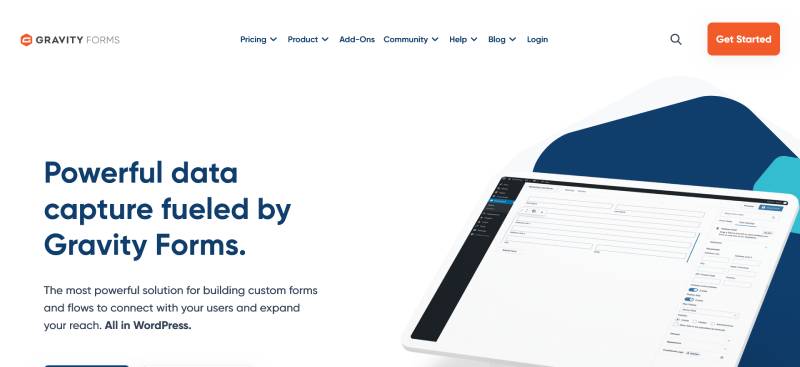
Gravity Forms costs $59/year (Basic, 1 site), $159/year (Pro, 3 sites), and $259/year (Elite, unlimited sites), with renewals holding the same rate. Rocketgenius built it around 500+ hooks, a REST API, and an Add-On Framework, which is why agencies keep it as long-term infrastructure.
One condition on that renewal rate: it holds only if you renew before the license expires. Let it lapse by a single day and the loyalty discount disappears permanently.
Hooks fire on submission, validation, payment completion, entry creation, and notification sending. When a standard add-on does not quite do the job, a developer intercepts the event and writes the difference.
What the sales copy skips is that third-party extensions carry their own bills.
- GravityView, Gravity Flow, and Gravity Perks each run $99 to $349/year
- Stack two or three and a real agency workflow lands at $400 to $600+/year
- Webhooks, Conversational Forms, and User Registration are Elite-only
There is no free tier and no sandbox. You commit $59 to $259 before you know whether the builder suits you, though the refund policy does work.
The interface also shows its age next to newer builders. Our full breakdown of Gravity Forms vs Ninja Forms covers the entry-table differences in more detail.
Formidable Forms: The Data and Calculation Alternative
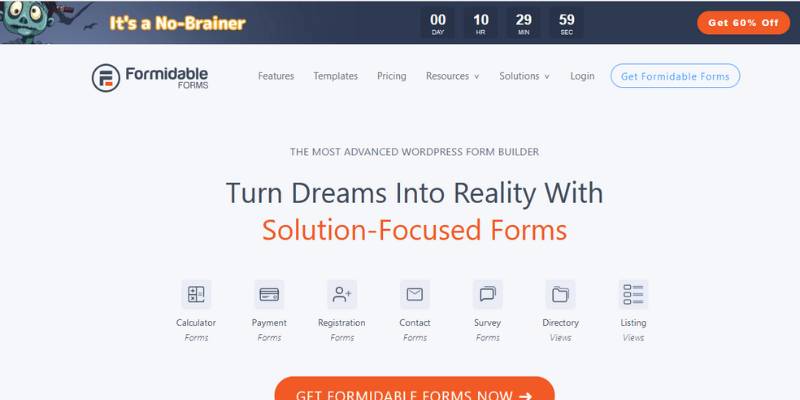
Formidable Forms is a Strategy11 plugin with 300,000+ active installations that treats submissions as application data rather than messages. Its Views feature displays entries on the front end as directories, listings, calendars, or filtered tables, which no other plugin on this list does natively.
Formidable Views turns a form into a job board, a real estate listing, a member directory, or an event calendar without a separate plugin.
In practice that unlocks:
- Calculated fields for quote builders, mortgage estimators, and dynamic pricing
- Repeater fields covering group registrations, work history, and multi-row order lines
- Front-end editing, so users update their own submissions without logging in
- WooCommerce configurators, where calculation output feeds straight into the cart
Formidable Lite covers the basics free, including a visual editor, entry management, 30+ templates, and a built-in styler that Ninja Forms and WPForms both charge for.
Paid plans run from $79/year up to roughly $399/year depending on tier and renewal timing.
Now the honest part. The learning curve is real, and a G2 reviewer running a survey with hundreds of fields reported the builder freezing between actions. It is overkill for a contact form.
The Formidable Forms vs Ninja Forms comparison digs into how the two handle entry storage differently.
Which Free Ninja Forms Alternatives Work Without a License?
Forminator, Contact Form 7 paired with Flamingo, Fluent Forms free, and IvyForms Lite all replace Ninja Forms without a paid license. Forminator is the most complete of the group, shipping conditional logic, calculations, quizzes, and two payment gateways at zero cost.
Contact Form 7 Plus Flamingo
Contact Form 7 stores nothing. Every submission goes out as an email and then disappears.
Flamingo fixes that, and it is written by the same author. It has 800,000+ active installations and broad language coverage.
The pairing gets you inbound message storage, search and filter, Akismet spam flagging, and CSV export.
One gotcha nobody warns you about. Flamingo only stores messages submitted after activation, so anything sent before install is gone for good.
Worth knowing before you build on it: at WordCamp Asia 2026, Takayuki Miyoshi confirmed that Contact Form 7 version 6.2 is the last release to add new functionality. Security patches continue, but the plugin is now in maintenance mode. Our roundup of Contact Form 7 alternatives covers what that means in practice.
Forminator
Forminator launched in 2018 and runs on 600,000+ sites with a 4.8 rating on WordPress.org.
Its free tier is the most generous in the category:
- Conditional logic and file uploads
- Calculation fields for quotes, BMI, and loan estimates
- Stripe and PayPal payments
- Knowledge quizzes, personality quizzes, and live polls
- 20+ field types plus Mailchimp, Google Sheets, and Zapier connections
WPMU DEV maintains it. Forminator Pro adds Stripe subscription fields, PDF generation, and e-signatures, and is not sold standalone. It comes bundled with a WPMU DEV membership, which starts in the $15 to $19 per month range and includes the full Pro plugin suite alongside Smush Pro, Defender Pro, and Hummingbird Pro.
One thing to watch on that membership: reviewers report renewal pricing running noticeably above the advertised new-customer rate, so check the second-year figure before you commit.
Free Tiers of Paid Builders
Fluent Forms free includes conditional logic and entry storage, the two features Ninja Forms charges $99/year for.
IvyForms Lite covers entry management, multi-page forms, Google Sheets sync, Turnstile and hCaptcha, with no credit card required. Avoid WPForms Lite if entries matter at all, since it writes nothing to the database.
Every free tier trades something. Usually support queue position, integration count, or the depth of spam filtering. Our list of free WordPress form plugins breaks down where each one stops.
How Do Ninja Forms Alternatives Compare on Price?
Fluent Forms is the cheapest full-featured replacement, under $80/year for one site with every feature unlocked. Gravity Forms Basic starts at $59/year but gates payments behind the $159 Pro tier. WPForms costs the most over three years because renewals double after year one.
Use a fixed basket when you compare: conditional logic, file uploads, multi-step forms, Stripe payments, one CRM connection, unlimited forms.
| Plugin | Entry price (1 site) | Renewal behavior |
|---|---|---|
| Fluent Forms | $59–79/yr, all features | Same rate, or $279 lifetime |
| Gravity Forms | $59/yr Basic | Same rate if renewed on time |
| Formidable Forms | $79/yr Basic | Rises toward $399 at top tier |
| WPForms | $49.50/yr Basic | Doubles to ~$99, Pro hits ~$399 |
| Ninja Forms | $99/yr Personal | 40% year-one discount expires |
The three-year math is where the gap shows. Gravity Forms Pro totals $477 across three years against $997.50 for WPForms Pro, a $520 difference for comparable functionality.
Lifetime licenses exist at Fluent Forms ($279 single, $479 agency, $719 unlimited) and IvyForms (Elite tier, unlimited domains, one payment).
Gravity Forms, WPForms, and Ninja Forms have no lifetime option at all.
Watch the site limits too. WPForms Pro covers 5 sites, Gravity Forms Pro covers 3, Ninja Forms Professional covers 20, and IvyForms Growth covers 3. Our WPForms vs Ninja Forms comparison walks through both licensing models side by side.
Which Alternative Handles Payments and E-Commerce Forms?
Formidable Forms offers the widest gateway coverage with Stripe (including ACH, Klarna, Cash App, and iDEAL), PayPal, and Authorize.net, and charges zero transaction fees on a valid license. Forminator is the only option with Stripe and PayPal both free.
| Plugin | Gateways | Tier required |
|---|---|---|
| Formidable Forms | Stripe, PayPal, Authorize.net | Paid, no transaction fee |
| Gravity Forms | Stripe, PayPal, Square, Mollie | Pro ($159/yr) |
| Forminator | Stripe, PayPal | Free |
| WPForms | Stripe (3% fee on Lite) | Pro removes the fee |
| IvyForms | Square | Free tier |
Recurring billing is the dividing line. Forminator locks Stripe subscription fields behind Pro, while Formidable handles one-time and recurring PayPal natively.
Coupon codes, quantity fields, and order totals matter more than gateway count for most order forms. Formidable ships Product, Quantity, Coupon, and Total as distinct pricing field types.
Formidable also has the deepest WooCommerce integration of the group, letting calculation output feed straight into the cart for product configurators.
If you would rather skip the plugin route entirely, there is a way to build a WordPress payment form with Stripe’s own embed code.
Which Alternative Meets Accessibility and Compliance Requirements?
Gravity Forms and Formidable Forms both ship WCAG 2.1 AA compliant markup out of the box. Gravity Forms documents Section 508, European Accessibility Act, and Equality Act 2010 alignment, and has published accessibility guidance since version 2.5.
Reality check on that, though. WCAG-compliant plugin markup does not make your site accessible. Theme contrast, focus order, and heading structure still sit on you.
Formidable claims zero WAVE errors on default form output.
GDPR handling varies across the field:
- Gravity Forms includes personal data management tools and third-party feed consent validation
- IvyForms ships GDPR compliance in the free tier
- Formidable stores everything locally in WordPress rather than on vendor servers
- Flamingo stores personal data on your own server, which counts for data residency
HIPAA is a different animal. No mainstream WordPress form plugin offers a BAA directly, and the community HIPAA Forms plugin strips Gravity Forms file uploads entirely because uploads are not compliant.
Spam protection now runs on reCAPTCHA v3, hCaptcha, Cloudflare Turnstile, Akismet, and honeypot fields. IvyForms includes all three CAPTCHA providers free. Worth noting on reCAPTCHA specifically: French regulator CNIL has ruled it requires prior consent under EU rules because it sends device data to Google, so there are lighter CAPTCHA alternatives worth considering for EU traffic.
Label association and error announcement still decide screen reader usability, which is covered in more depth in these form accessibility best practices.
How Do You Migrate From Ninja Forms Without Losing Entries?
Two plugins import Ninja Forms structures directly. Fluent Forms includes a Migrator tool under Tools that imports forms and entries in a few clicks, and WPForms provides a Form Importer plus a separate Entry Importer for submissions.
Exporting Entries and Database Tables
Back up first, always. Fluent Forms’ own documentation warns that rerunning the Migrator resets and overwrites previously imported forms and entries.
Ninja Forms writes submissions to the nf3_ table set. Export those from Ninja Forms > Submissions as CSV before you touch anything.
Take a full database snapshot too, not just the CSV. Field IDs and meta relationships live in the tables, not the export.
Fluent Forms accepts entry imports in both JSON and CSV, with comma or semicolon delimiters.
Replacing Shortcodes Site-Wide
Every embed uses [ninja_form id=X]. Find every instance before you deactivate anything.
People forget widget areas, theme template files, and popup builder content, in roughly that order.
Block-based embeds are separate. In Gutenberg you delete the Ninja Forms block and insert the replacement block, then reselect the imported form from the dropdown.
A search-and-replace plugin handles the shortcode swap in bulk. Do it on staging.
Testing Before Deactivation
Run both plugins in parallel for a week. Nothing breaks by having two form plugins active, and you get a real comparison window.
Verify all of this before the old plugin goes anywhere:
- Admin notification and user confirmation emails both land
- Conditional logic rules survived the import
- Payment gateway reconnected with live keys
- CRM and email marketing feeds are mapping to the right fields
Calculations do not transfer. WPForms documentation states plainly that it will not import Ninja Forms calculations, so rebuild those by hand.
Only after that, deactivate and delete. Anyone who went through the Caldera Forms alternatives shuffle when that plugin was retired already knows why the parallel window matters.
Which Ninja Forms Alternative Fits Your Use Case?
Pick IvyForms for a direct feature-for-feature swap at lower total cost, Fluent Forms for speed and lifetime licensing, Gravity Forms for custom development, Formidable Forms for calculators and directories, and Forminator when the budget is zero.
| Situation | Pick | Why |
|---|---|---|
| Direct swap, lower cost | IvyForms | Features by tier, not by add-on |
| First plugin, non-technical | WPForms | Guided wizard, 2,000+ templates |
| Speed-sensitive site | Fluent Forms | Under 42KB CSS and JS |
| Custom hooks and workflows | Gravity Forms | 500+ hooks, REST API |
| Calculators and directories | Formidable Forms | Views plus calculation engine |
Rank your criteria this way. Total annual cost at renewal first, then features available without add-ons, then whether a migration path exists, and integration count last.
Most people get that order backwards and shop on template count.
Zero budget with real requirements? Forminator, every time. Quizzes, calculations, and two payment gateways for nothing is not a deal any competitor matches.
Already running FluentCRM or Amelia? Stay inside the family. Native field mapping beats a Zapier hop every single time, and the support burden drops.
Whatever you land on, the switch pays for itself the first year you stop buying add-ons one at a time. Our full comparison of WordPress contact form plugins covers the options that did not make this list.
Frequently Asked Questions About Ninja Forms Alternatives
What is the best Ninja Forms alternative?
IvyForms is the closest direct swap, bundling conditional logic, multi-page forms, and webhooks by tier instead of by add-on.
Fluent Forms wins on speed. Gravity Forms wins for developers.
Is Ninja Forms still being maintained?
Yes. Saturday Drive still ships updates to the core plugin, which runs on roughly 600,000 sites and holds a 4.4 average on WordPress.org.
Can I migrate Ninja Forms entries to another plugin?
Fluent Forms includes a Migrator that imports both forms and entries. WPForms offers a Form Importer plus a separate Entry Importer.
Calculations do not carry over in either case.
Which Ninja Forms alternative is free?
Forminator is the most complete free option, with conditional logic, calculations, quizzes, and both Stripe and PayPal at zero cost across 600,000+ installs.
IvyForms Lite and Fluent Forms free are solid runners-up.
Why is Ninja Forms so expensive?
The core plugin is free, but premium features sell as separate add-ons. Memberships run $99 for one site, $199 for 20 sites, and $499 for unlimited, with the first year discounted 40% and renewals at full price.
Does Ninja Forms slow down a website?
It adds roughly 200-250KB of front-end assets, down from 300KB+ in older versions. Assets load only on pages containing a form.
Fluent Forms ships under 42KB combined.
What replaces Ninja Forms conditional logic?
Fluent Forms and Forminator both include conditional logic free. IvyForms unlocks it at the Essentials tier, and Gravity Forms includes it at the $59 Basic license.
Which alternative handles payments best?
Formidable Forms covers Stripe, PayPal, and Authorize.net with zero transaction fees on a valid license. Gravity Forms adds Square and Mollie at the $159 Pro tier.
Do I need to rebuild forms after switching?
Only if no importer exists. Fluent Forms and WPForms read Ninja Forms structures directly, though you still replace every [ninja_form id=X] shortcode and reconnect integrations manually.
Are there lifetime license options?
Fluent Forms sells lifetime licenses at $279 single site, $479 agency, and $719 unlimited. IvyForms offers a one-time Elite tier covering unlimited domains and every future feature.
Conclusion
Every option on this list of Ninja Forms alternatives solves a different problem, so the right pick depends on whether your bottleneck is renewal pricing, front-end script weight, or missing calculation fields.
IvyForms handles the straight replacement. Formidable Views handles the data-heavy builds. Forminator handles the zero-budget case.
Price the whole feature basket at renewal, not the first-year headline. That single habit saves more money than any coupon code.
Then test the migration path before you commit. Run the importer on staging, confirm entry storage and email notifications both work, and check your spam filtering still catches bots.
Switching form plugins takes an afternoon. Paying for add-ons you never needed takes years.