


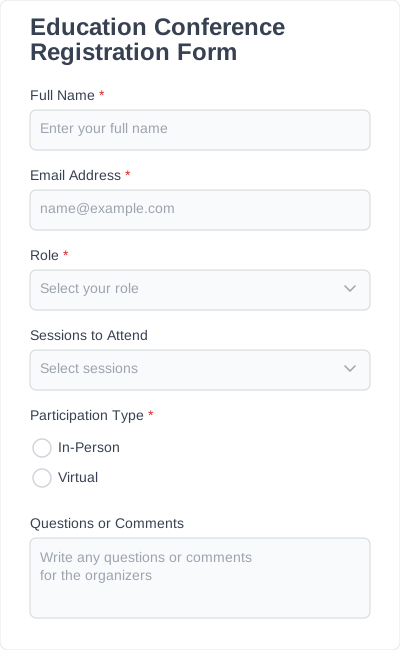
Essential form fields for conference registration
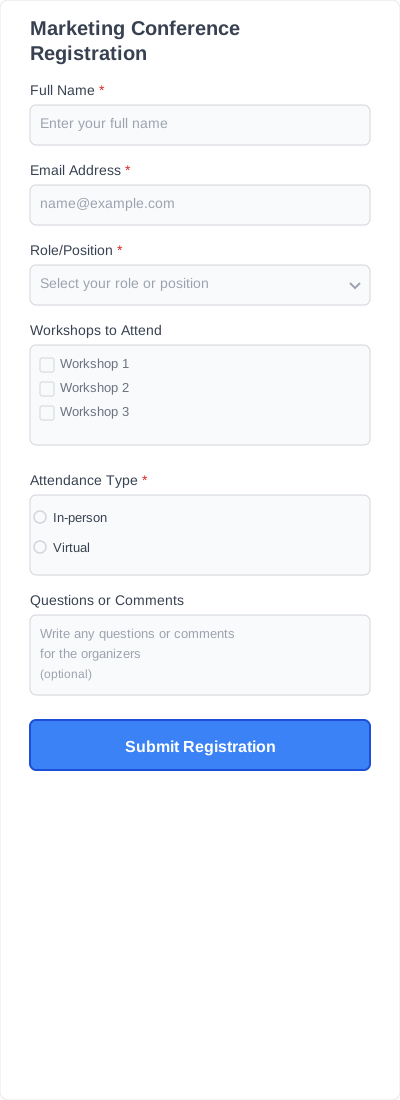
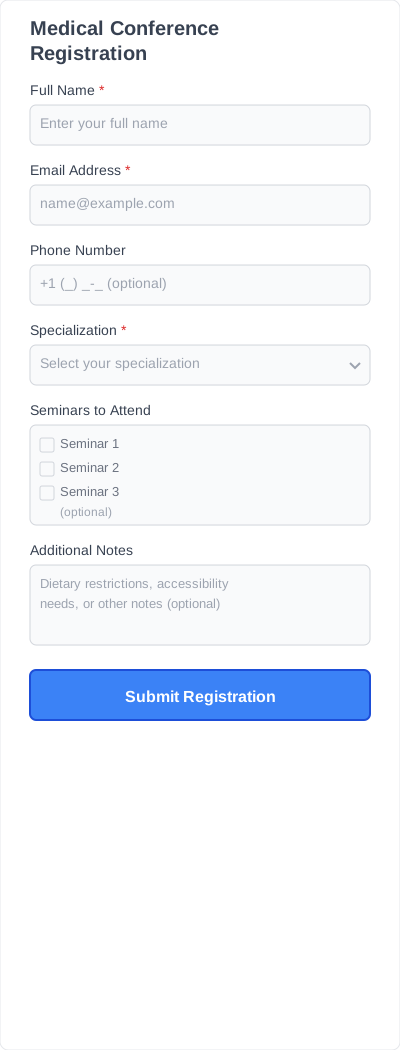
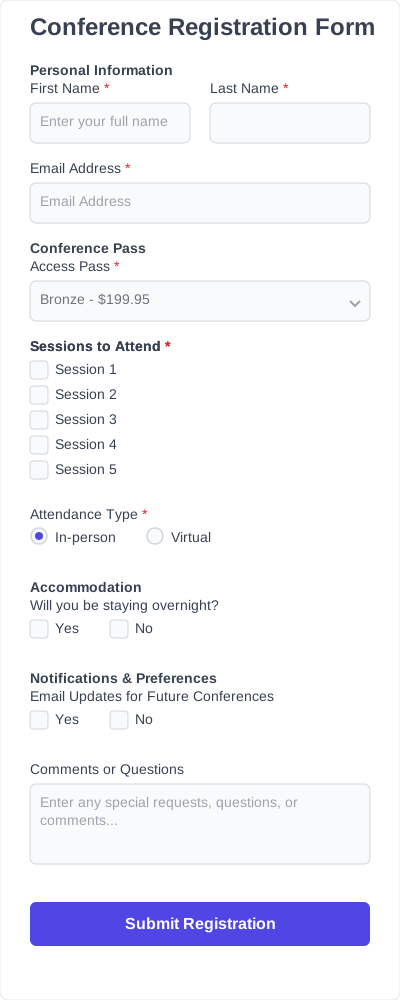
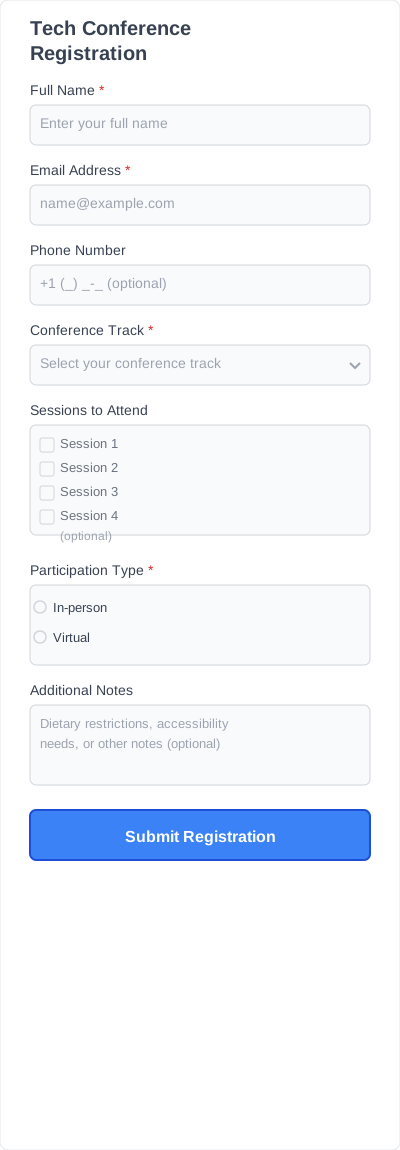
A conference registration form helps you gather essential details such as attendee names, email addresses, ticket types, and session selections without building a form from scratch.
It includes the fields you need to capture attendee information accurately. You can customize each template by adding, removing, or rearranging fields to match your event requirements.
Attendee information
Collect the basics upfront, such as name, email address, and phone number. Helps keep your attendee list organized and ensures you can contact participants if needed.
Address
Fields for street, city, state, postal code, and country. Collect addresses to send tickets, material, or invoices when needed.
Ticket type or registration option
Allow attendees to select ticket types such as standard, VIP, or multi-day access. Keeps registration choices clear and structured.
Session or workshop selection
Checkboxes or dropdowns for choosing sessions or workshops. Helps manage attendance and plan capacity in advance.
Additional notes
Optional text fields for comments or special requests. Capture extra information and provide a smoother conference experience.
All fields are editable, so your registration form for conference can stay simple or include all the details you need.
Features you’ll enjoy in conference registration forms
Using a conference registration form template gives you a fast, reliable way to manage attendee data. You get all the tools you need to make registration smooth for both organizers and participants:
- Quick setup: Launch your registration form in minutes with ready-made fields and layouts.
- Flexible: Adjust forms to fit any event type, from small workshops to multi-day conferences.
- Customizable fields: Add, remove, or rearrange fields to capture the exact information you need.
- Drag-and-drop editor: Easily edit your form without coding or technical skills.
- Mobile-friendly layouts: Forms look great and work smoothly on phones, tablets, and desktops.
- Secure data collection: Attendee information is stored safely and can be exported when needed.
- Reusable templates: Once set up, use the same form for future events with minimal changes.
A registration form for conference helps you streamline sign-ups, keep attendee details organized, and make every event run smoothly.
How to customize and add conference registration templates to your website
1. Install IvyForms
Choose a plan, then download and activate IvyForms on WordPress. The installation is quick, and it integrates seamlessly, so you can start creating forms immediately.
2. Choose a template
Browse the library of conference registration form templates. Pick one that fits your event and matches the type of information you need to collect.
3. Edit fields
Use IvyForms’ drag-and-drop editor to add, remove, or move fields. Make sure your form captures all the important details for your event.
4. Save the form and add it to your website
After finishing your edits, save the form. Place it on the page where attendees can easily access it, or print it for in-person registration if needed.
5. Start collecting registrations
Once your form is live, attendees can submit their information. All submissions are stored in IvyForms, making it easy to track, manage, and export registrations for your event.
Conference registration forms for any industry
You can use a conference registration form template for almost any type of event.
Businesses & corporations
Collect attendee names, emails, job roles, and session selections. Keep registrations organized without manual tracking.
Education
Track student, teacher, and guest registrations easily. Manage workshops, seminars, and multi-day events with structured forms.
Community & nonprofit
Handle registrations for local meetups, charity events, or fundraisers. Capture attendee information and special requirements in one place.
Healthcare & medical
Collect professional titles, session preferences, and ticket types. Ensure all attendee data is stored securely and accurately.
Technology & startup
Track participants, ticket tiers, and breakout sessions efficiently. Templates help streamline registrations for fast-paced, high-attendance events.
Science & research
Register researchers, students, and academics. Manage abstract submissions, poster sessions, and workshop attendance efficiently.
Hospitality & travel
Collect attendee info and meal preferences. Organize registrations for expos, trade shows, or conferences smoothly.