



Fields that matter on a time off request form
| Field | Why it’s on this form |
|---|---|
| Employee name & ID / department | Ties the request to the right person and manager |
| Leave type | Vacation, sick, personal, bereavement, parental — drives the policy that applies |
| Start and end dates | The core of the request; used to check coverage |
| Total days / hours | So the request nets against the employee’s balance |
| Reason (optional for some leave types) | Some policies require it, others don’t |
| Documentation upload | A doctor’s note for sick leave, for example |
| Manager approval + date | Turns a request into an approved, logged decision |
A concrete example
A retail store with 40 staff replaces a paper “time off slip” with this form embedded on the staff intranet page. An associate selects “Vacation,” picks August 12–16, and submits. The store manager gets an email notification, and the request sits in the WordPress dashboard with a status the manager updates to Approved — so payroll can see, at a glance, who is off which week.
How this differs from a general request form
A general request form routes any internal ask — equipment, maintenance, materials — to whoever approves it. A leave request form is the leave-specific version: it swaps generic “what do you need” fields for leave type, dates, and a balance/approval flow. If you’re requesting a thing, use a general request form; if you’re requesting time away, use this.
Choose from multiple leave request form templates
| Template | For |
|---|---|
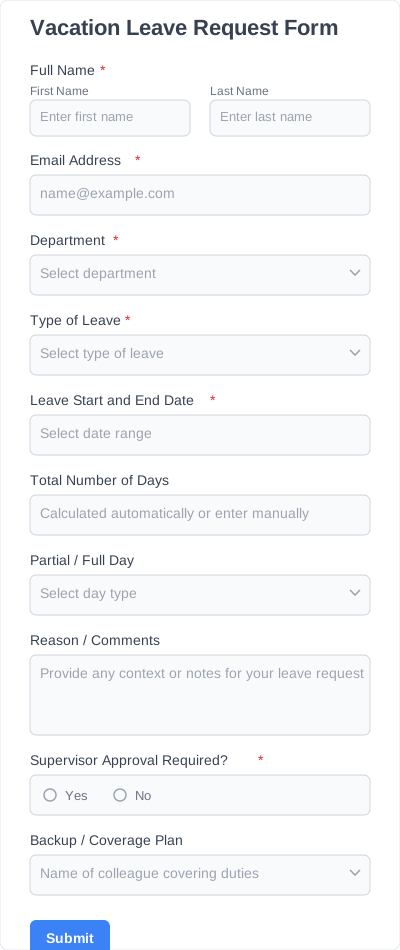
| Vacation request form | Planned vacation time |
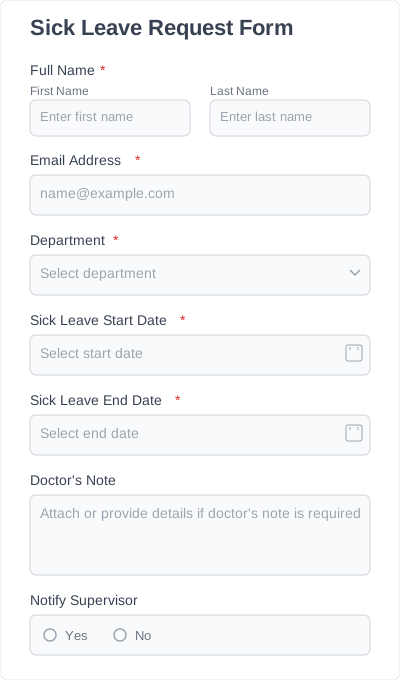
| Sick leave request form | Illness and medical leave |
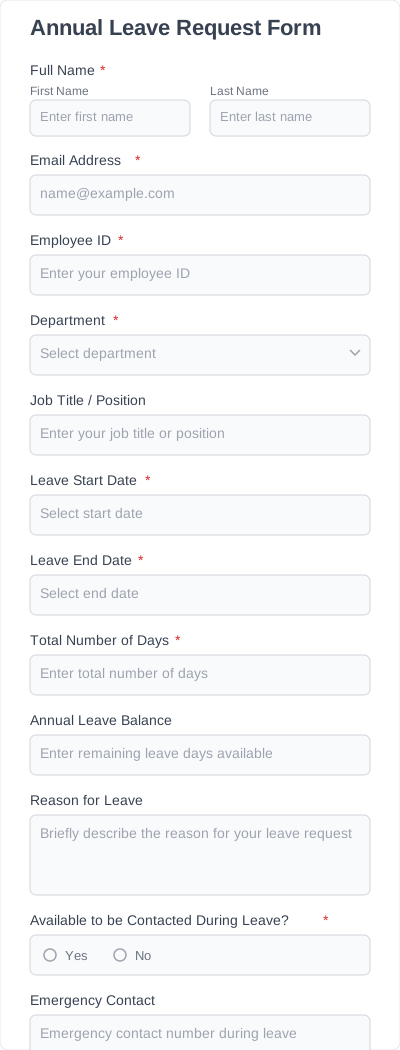
| Annual leave request form | Annual leave entitlement |
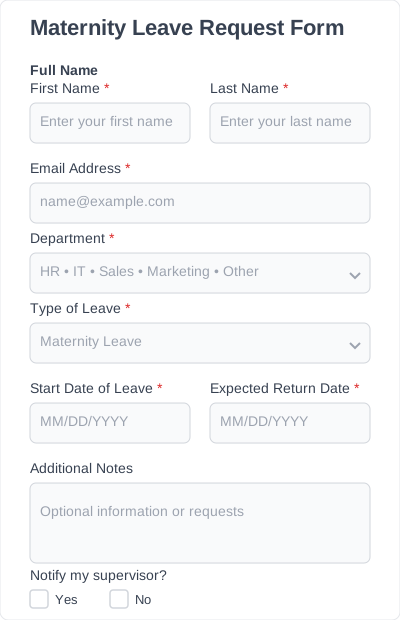
| Maternity leave request form | Maternity / parental leave |
Each employee leave request form template opens directly in Ivy Forms, where you can customize it with zero coding.
Why use leave request form templates instead of starting from scratch
Most companies end up rewriting their leave request format every time they hire new staff or introduce a new policy. Our leave of absence request form templates solve that problem.
They help you:
- Collect consistent, accurate information every time
- Reduce manual HR work and avoid missing details
- Standardize approvals across teams
- Keep requests stored in a single place
- Reduce errors that slow down payroll or compliance
- Give employees a simple, fast way to submit leave
If you’re managing more than a handful of people, templates save hours of admin work every month.
How to customize and add leave request templates to your website
You don’t need technical skills. The steps are simple:
- Open any Leave Request Form Template in Ivy Forms.
- Choose a plan (or start free) depending on whether you need file uploads, integrations, or advanced features.
- Customize the fields. Add or remove questions, adjust labels, and edit the layout.
- Brand the form. Change colors, fonts, and button styles.
- Publish. Copy the embed code or direct link and add it to your website, intranet, or employee portal.
That’s it. The leave request form template is live and ready to use.
Leave request form templates: benefits & use cases
Requests for leave form templates cover a wide range of organizational needs. They work for HR teams, managers, and employees in companies of all sizes.
Common benefits:
- Consistent data collection
- Faster approvals
- Fewer errors and missing details
- Centralized records for HR and payroll
- Better transparency for employees
- Easier compliance with labor policies
Use cases:
- Vacation leave: Employees request planned days off.
- Sick leave: Quick submission with optional medical documentation.
- Personal or family leave: Flexible fields for short-term or long-term absences.
- Unpaid leave: Collects details required for payroll adjustments.
- Parental leave: Add extra fields for due dates and supporting documents.
- Special or emergency leave: Customize fields for unique circumstances.
- Remote work or work-from-home requests: Adapt templates for flexible work policies.