How this differs from event registration forms
Event registration forms sign people up for a dated event (a conference, webinar, or wedding). Registration forms here enroll people in an ongoing program or list — a recurring class, a workshop series, a vendor roster. If your signup is tied to a specific date and ticket, use an event registration template; if it’s enrollment into a class or list, use one of these.
Types of registration form template
| Template |
Enrolls people in |
Distinct field |
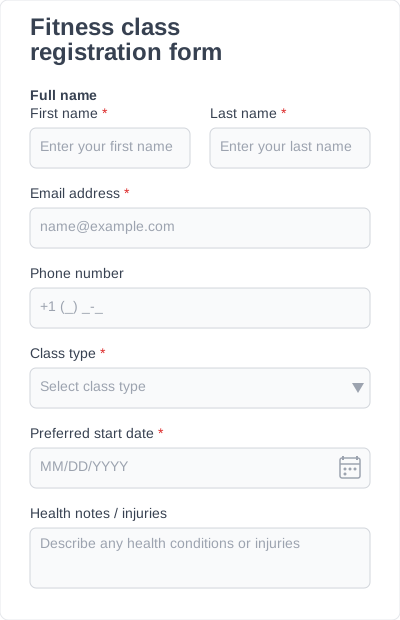
| Fitness class registration form |
Gym / studio classes |
Health disclosure + waiver acknowledgment |
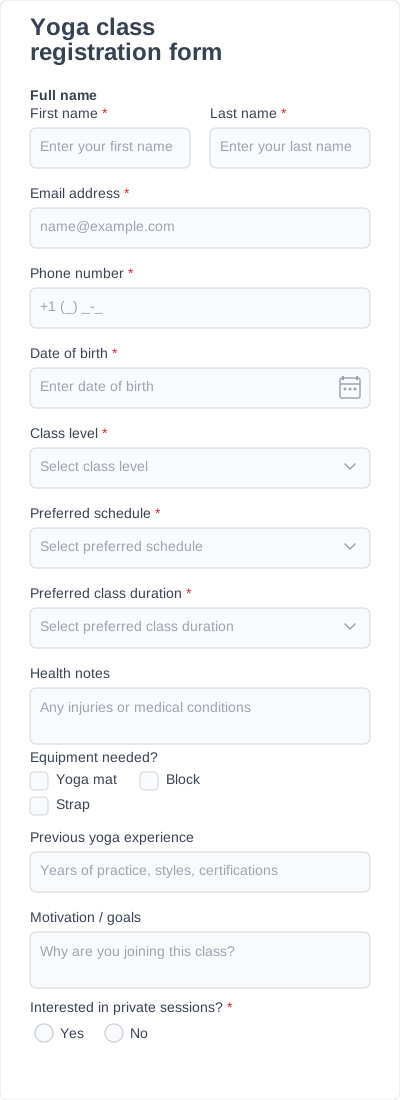
| Yoga class registration form |
Yoga sessions |
Experience level |
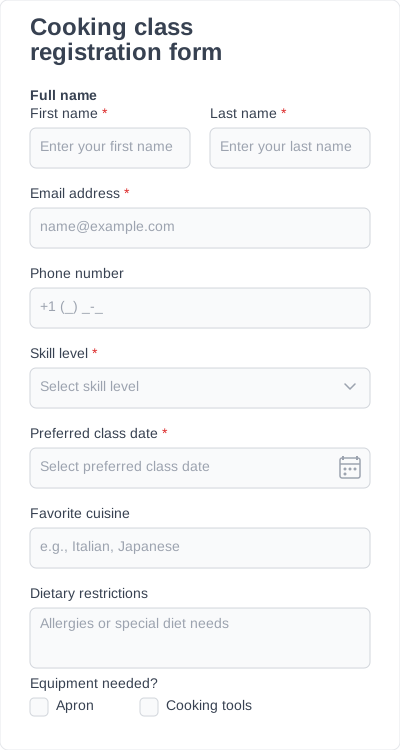
| Cooking class registration form |
Cooking workshops |
Dietary restrictions / allergies |
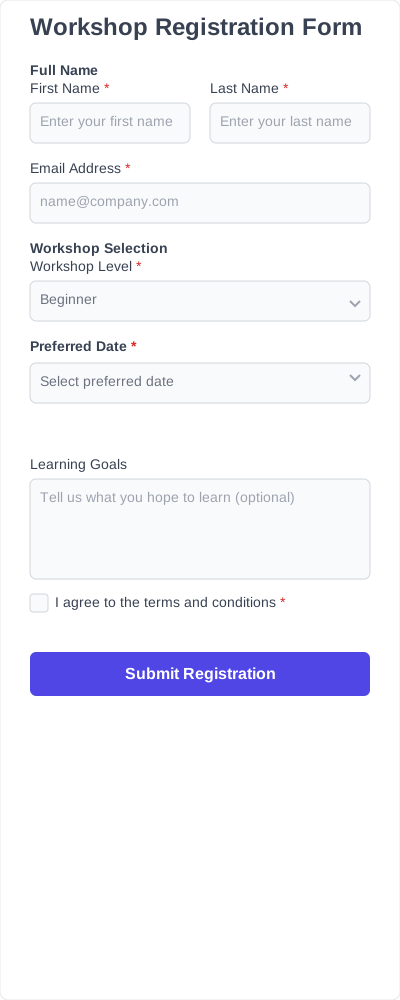
| Workshop registration form |
One-off or series workshops |
Session date picker |
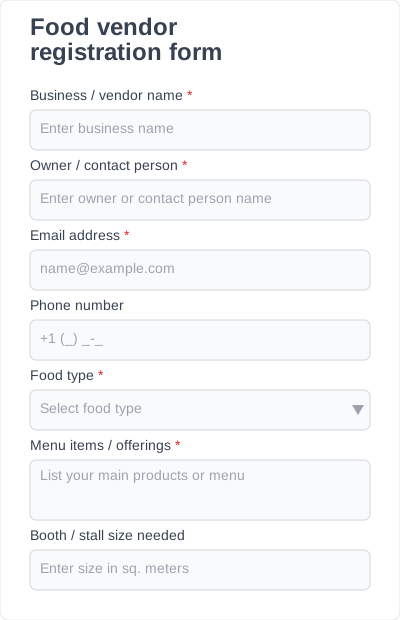
| Food vendor registration form |
Market / festival vendor lists |
Permits + booth size |
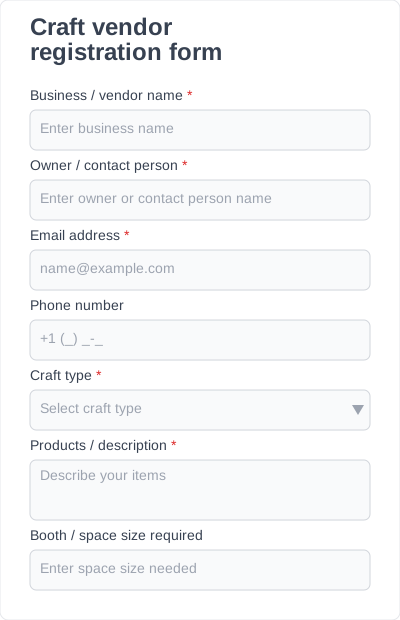
| Craft vendor registration form |
Craft fair vendor lists |
Product category + table size |
How to create a simple registration form
- Install the free IvyForms plugin and pick a registration template.
- Keep only the fields you need — name, contact, and the one or two details specific to your program.
- Mark required fields and add conditional logic if some questions only apply to certain registrants.
- Embed the form on your signup page with the IvyForms block.
- Publish. Each registration is stored and searchable in your WordPress dashboard.
What a registration form should collect
| Field group |
Why it matters |
| Name & contact |
Confirmation and roster |
| What they’re registering for |
Class, session, or vendor slot |
| Eligibility / prerequisites |
Experience level, permits, membership |
| Health or waiver acknowledgment |
Required for fitness and physical activities |
| Payment status (offline) |
Note whether a fee is due — IvyForms does not process payments |
Browse registration templates