



What a product order form captures
| Field | Purpose |
|---|---|
| Product / item | Your catalog as selectable options |
| Variant options | Size, color, model, or spec where it applies |
| Quantity | Per line item |
| Unit / total pricing | Show pricing per option so the order totals itself |
| Customer & billing | Name, business, email, billing details |
| Shipping / fulfillment | Delivery vs pickup, address, date needed |
| Notes | PO number, special instructions |
Customer name
Collect the buyer’s full name for identification and personalized communication.
Email address
Essential for sending confirmations, invoices, receipts, and follow-ups.
Phone number
Helpful for delivery coordination, urgent clarifications, or support.
Product selection
Allow customers to choose products using dropdowns, radio buttons, or checkboxes. Works for single-item and multi-product orders.
Quantity
Enable buyers to specify how many units they want for each selected product.
Product variations
Perfect for selecting sizes, colors, models, service tiers, or packages.
Billing & shipping information
Collect structured address details necessary for processing and delivering orders.
Additional notes
Give customers space to leave special instructions or customization requests.
Whether you start with a product order form template free version or upgrade for advanced features, you’ll have full flexibility to adjust every field.
Why use product order form templates instead of starting from scratch
Building an order system from scratch takes time — and small structural mistakes can cost you sales.
Using a product order form template gives you:
- A proven structure optimized for conversions
- Faster setup with no coding required
- Clear, organized data collection
- Reduced checkout friction
- Easy scalability as your product list grows
Instead of reinventing the wheel, you start with a reliable foundation and turn it into a fully custom product order form template tailored to your business.
Product order form templates
| Template | Best for |
|---|---|
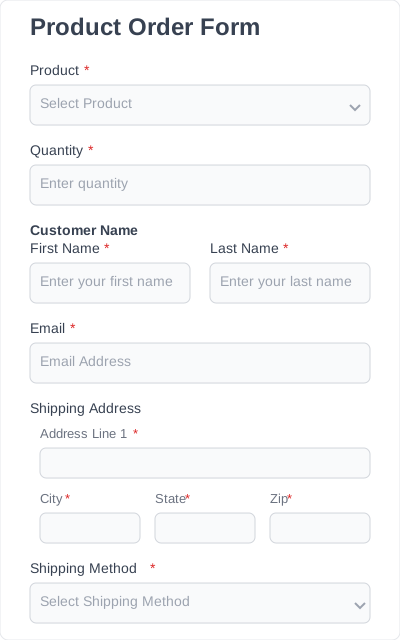
| Simple product order form | A short catalog and the fastest path to taking orders |
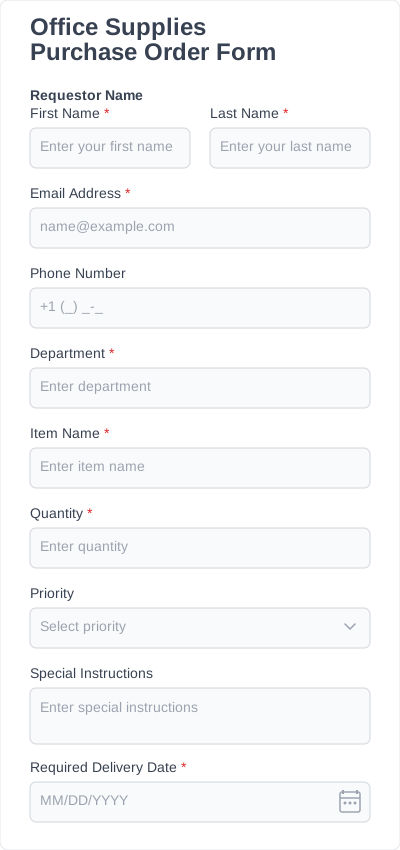
| Office supplies order form | Internal or wholesale supply reordering |
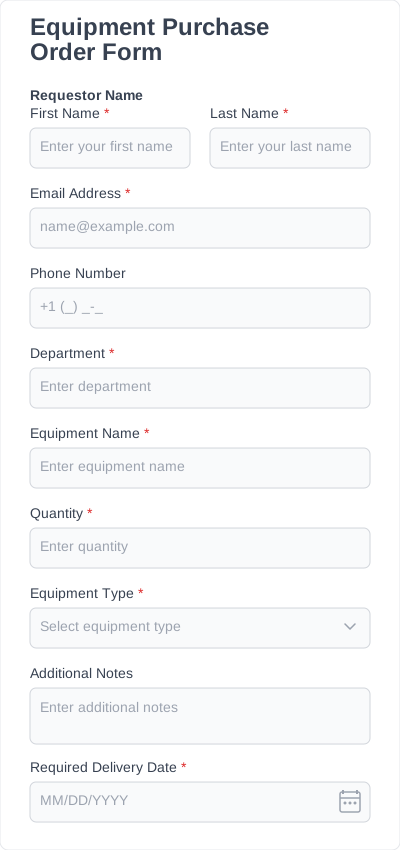
| Equipment order form | Higher-value items with model/spec fields |
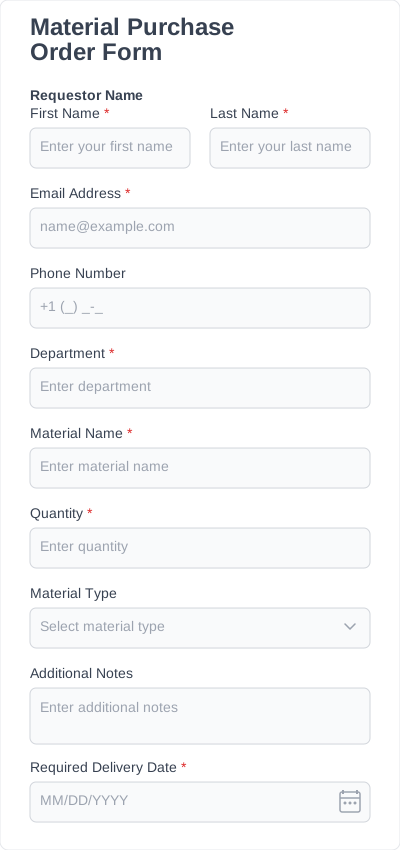
| Material order form | Trade and jobsite material orders by quantity/unit |
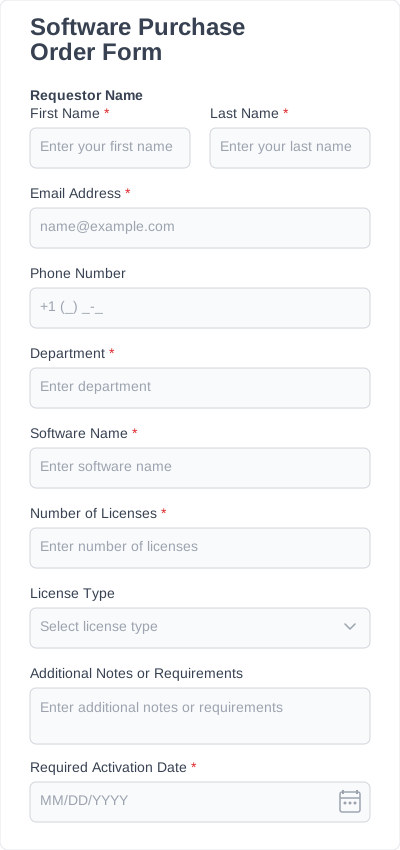
| Software order form | Licenses, seats, and plan selection |
When a product order form beats a full store
A janitorial supplier sells to ~60 recurring business accounts. They don’t need a public storefront — they need those accounts to reorder the same 30 SKUs fast. A product order form with their catalog, quantity fields, and a PO-number field does exactly that: the account manager gets a clean order, priced and attributed, without maintaining a WooCommerce store. Use a storefront when you’re selling to the public at scale; use an order form when you’re taking defined orders from known buyers.
How to customize and add templates to your website
Creating your order form with IvyForms is quick and straightforward.
- Install IvyForms & choose a plan: Download the plugin and choose the plan that fits your needs. You can even start with a product order form template free option and upgrade later.
- Select a product order form template: Browse the template library and pick the structure that matches your product setup.
- Customize products & fields: Add product names, adjust quantities, define variations, set required fields, and match the layout to your brand.
- Embed & publish: Add the form to your product page, landing page, or dedicated order page and start collecting orders instantly.
Who can benefit from product order forms & how
Product order forms are incredibly versatile.
Small businesses
Sell products directly without setting up a full eCommerce store.
Service providers
Offer packages, add-ons, or merchandise in a simple and structured way.
Event organizers
Collect merchandise orders, meal selections, or ticket upgrades.
Creators & digital sellers
Distribute downloads, templates, guides, or custom digital products.
Wholesale & B2B sellers
Accept structured bulk orders and detailed purchase requests from business clients.
If you need a flexible alternative to traditional eCommerce systems, a custom product order form template can be the perfect solution.