




The fields a change order form actually needs
These are the fields that make a change order defensible — most of them don’t appear on any other order form.
| Field | Why it’s on a change order specifically |
|---|---|
| Project / contract reference | Ties the change to the original agreement it amends |
| Change order number | Sequential tracking across a project (CO #1, #2…) |
| Description of change | The specific scope being added, removed, or modified |
| Reason / origin | Owner request, field condition, design change, code issue |
| Cost impact (+/−) | The add or deduct amount for this change alone |
| Original contract value & revised total | Shows the running effect on the contract sum |
| Schedule impact | Days added to (or saved from) the completion date |
| Authorization signatures | Contractor and client sign-off, with dates |
Add a file-upload field for revised drawings or photos, and an e-signature field so approval is captured in the submission itself.
A change order in practice
A general contractor is mid-build on a kitchen remodel when the client asks to move a load-bearing wall. That’s outside the original contract. The contractor fills a change order: describes the new framing and structural work, prices it at +$4,200, notes the revised contract total, adds three days to the schedule, attaches the updated plan, and sends it for the client’s signature — all before a hammer swings. When the invoice comes, the signed change order is the record that the extra work was authorized.
Change order vs purchase order vs work order
These get confused constantly — here’s the clean distinction:
| Form | What it does | Who initiates |
|---|---|---|
| Change order | Amends an existing contract (scope/cost/schedule) | Usually the contractor, approved by the client |
| Purchase order | Authorizes a new purchase, with a PO number | The buying organization |
| Work order | Requests/assigns a specific maintenance or repair task | The requester or facilities/ops |
If the work is already under contract and you’re changing it, it’s a change order. If it’s a standalone repair or maintenance task, you want a work order.
Change order form templates
| Template | Use it for |
|---|---|
| Construction change order form | The general-purpose construction CO for most trades and GCs |
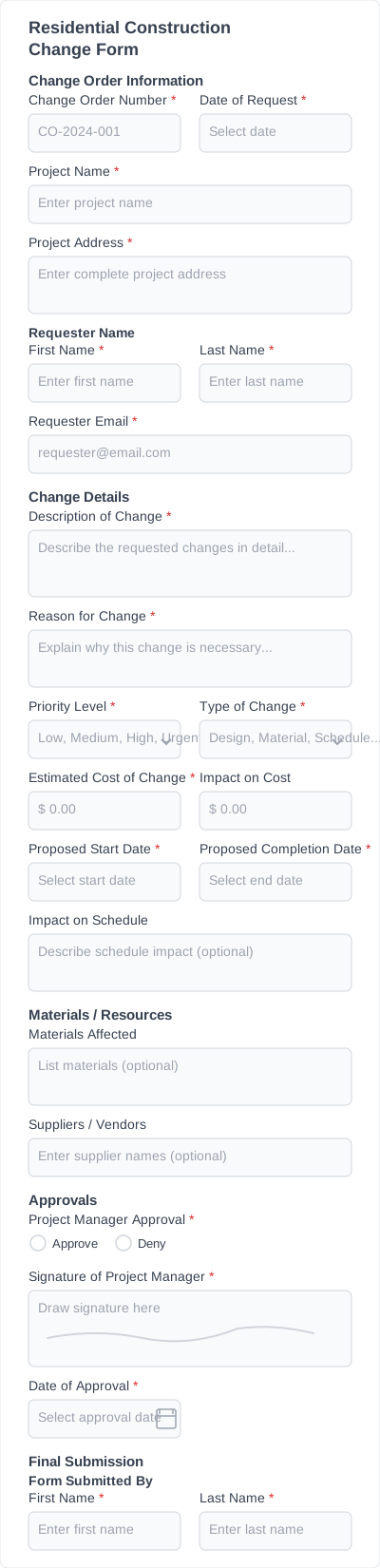
| Residential construction change order form | Home builds and remodels; homeowner-friendly wording |
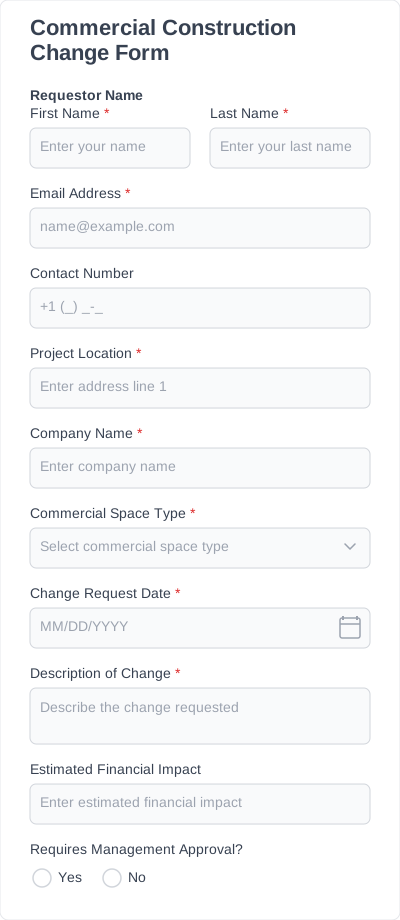
| Commercial construction change order form | Commercial projects with stricter documentation and approval chains |
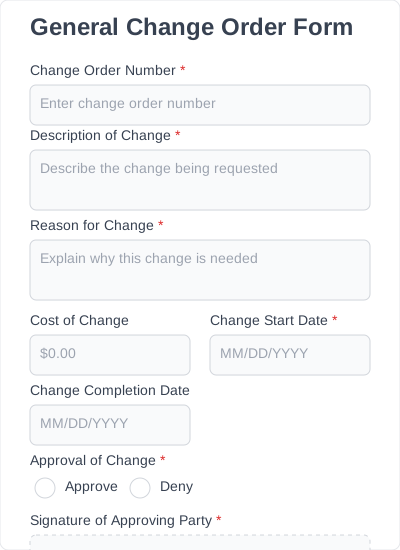
| General change order form | Non-construction service or project work that still needs formal change sign-off |
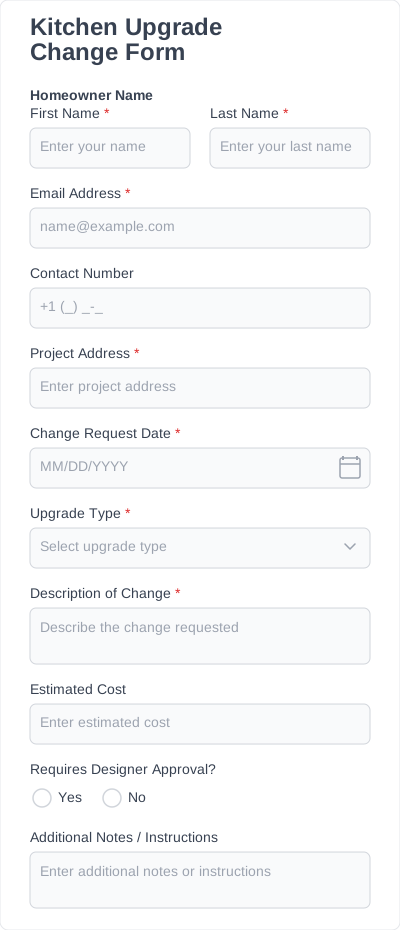
| Kitchen upgrade change order form | Remodels and fit-outs where finishes and fixtures change mid-job |