



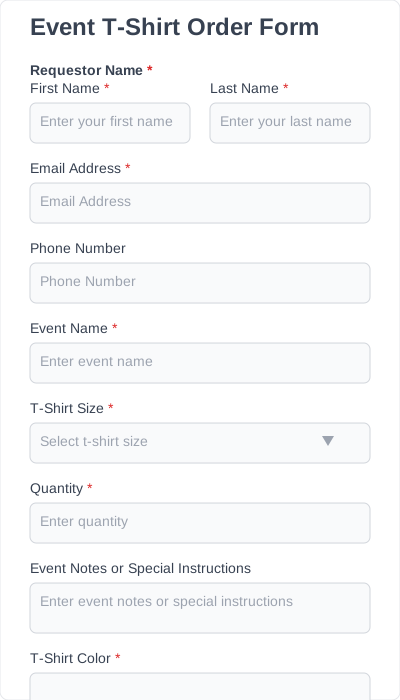
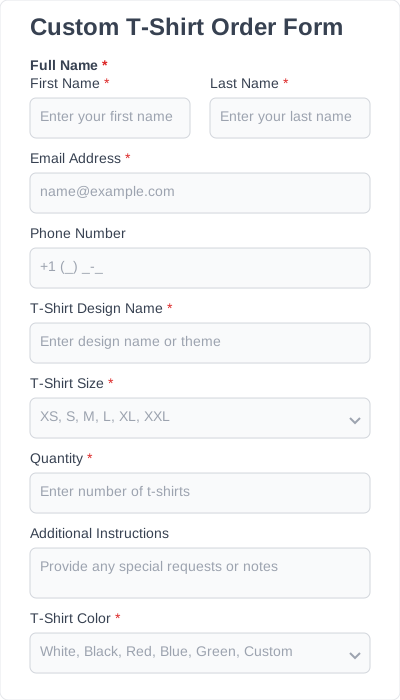
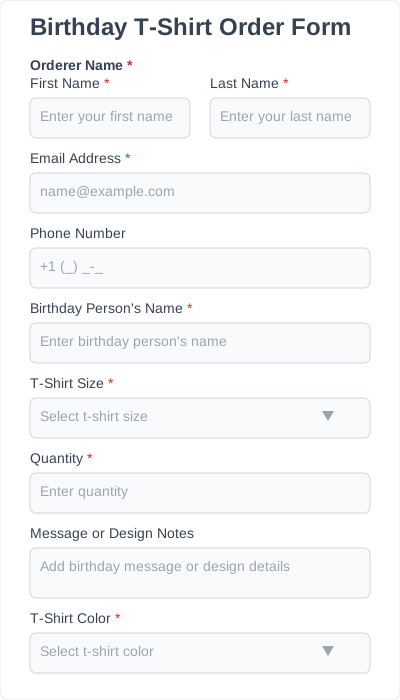
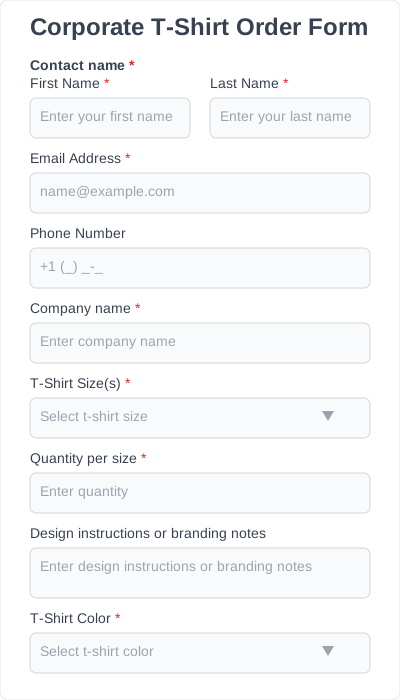
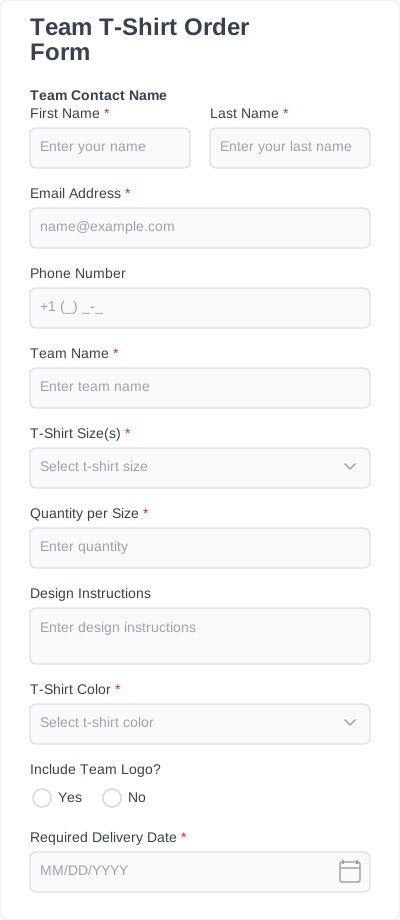
What a t-shirt order form captures
| Field | Why it’s here |
|---|---|
| Style / garment | Tee, long-sleeve, hoodie, youth vs adult cut |
| Size | XS–5XL as a dropdown; the field that most needs to be structured, not free-text |
| Color | Limited to the colors you actually offer |
| Quantity per size | So one person can order multiples |
| Name / number (optional) | For team or roster shirts with personalization |
| Custom print details | Text, placement, or artwork upload for custom jobs |
| Contact & collection | Name, email, and pickup/delivery or payment-on-collection notes |
Conditional logic keeps it tidy — “name & number” fields appear only if someone chooses a personalized shirt.
Why use T-shirt order form templates instead of starting from scratch
Using an editable t-shirt order form template saves you time, reduces errors, and creates a professional experience for buyers. A good template solves several real problems:
- You don’t have to design a layout from zero
- All essential fields are already included
- Customers make fewer mistakes
- You avoid missing data you later wish you had
- The form looks clean and trustworthy, which improves completion rates
- You can share and reuse the same template across different campaigns
You also get the benefit of structure: fields are organized logically, which makes the ordering process feel faster and more reliable for customers.
Where a t-shirt order form earns its keep
A booster club is selling spirit shirts for a school fundraiser. Instead of a paper sign-up sheet and a shoebox of cash, they publish a t-shirt order form: parents pick size, color, and quantity, add their child’s name for the back, and submit. The organizer opens the dashboard, exports a size-by-color tally, and sends one order to the print shop — no transcription, no “did I count the mediums right?”
| Template | Best for |
|---|---|
| Team t-shirt order form | Sports teams and clubs; roster names/numbers |
| Event t-shirt order form | Conferences, races, and one-off events |
| Custom t-shirt order form | Print shops taking bespoke jobs with artwork upload |
| Corporate t-shirt order form | Company staff and branded merch orders |
| Birthday t-shirt order form | Parties and celebrations; small personalized runs |
T-shirt order form templates: Benefits & use cases
You can use these templates for almost any type of T-shirt ordering process:
Sports teams & schools
Manage sizes, name customizations, and group orders without passing around paper sheets.
Clothing brands & small shops
Sell shirts directly from your website without needing a full ecommerce setup.
Nonprofits & fundraisers
Collect clean, organized orders for charity shirts or event merch.
Events & conferences
Gather attendee shirt sizes during registration.
Print hops
Use an editable t-shirt order form template to handle custom requests, design uploads, and bulk orders.
Designers & merch creators
Simplify the ordering process for your audience and reduce typos in design notes.