


Types of Request Form Templates We Offer
Our library includes a wide range of request form templates you can use as-is or adapt to your workflow.
Free templates: Basic forms with core fields suitable for simple requests and small teams.
Pro templates: Advanced forms supporting file uploads, conditional logic, payment fields, integrations, and branding controls.
Popular template types include:
- Purchase request form
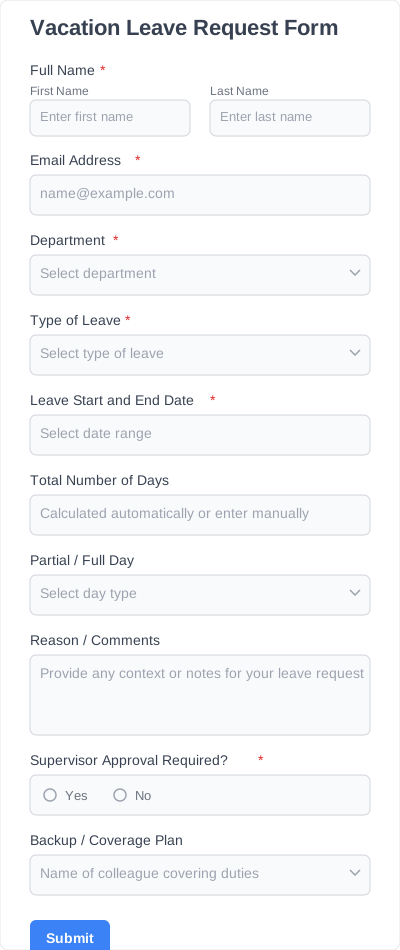
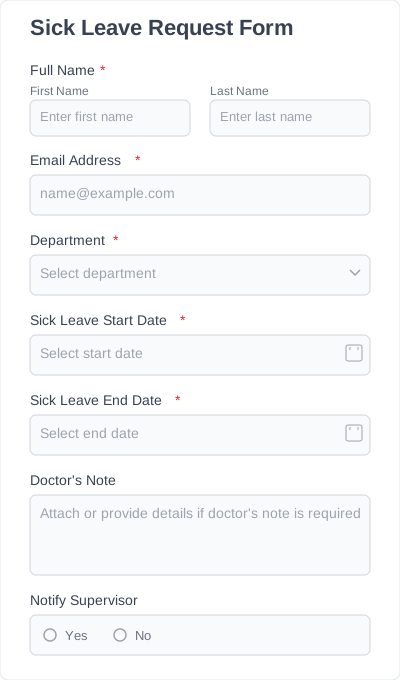
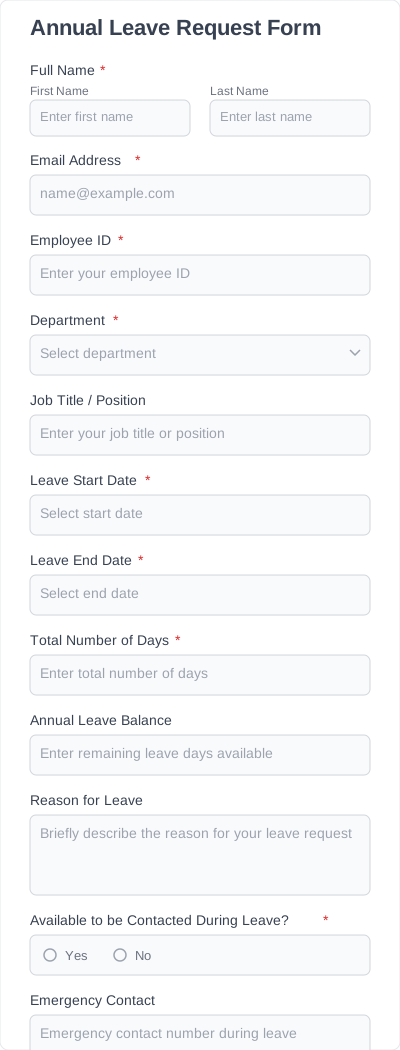
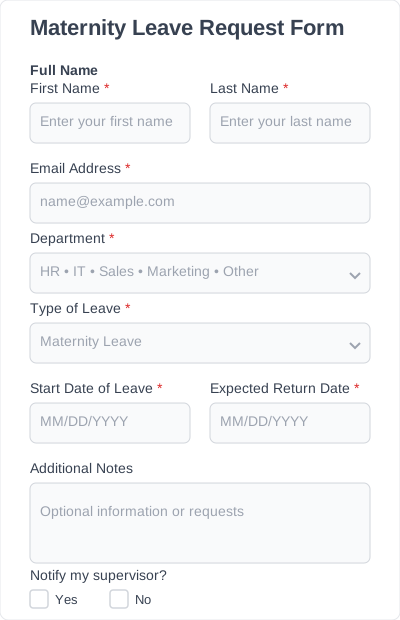
- Leave request form
- Travel request form
- IT support request form
- Maintenance request form
- Service request form
- Access request form
- Document request form
- Custom request form (fully editable)
Which Fields Are Available for Request Form Templates?
Each request form template includes flexible fields you can edit or reorder. You can also add new fields depending on the type of request you collect.
Requester information
Name, email, role, department, or team.
Request type
Dropdown for categories such as purchase request, travel request, service request, leave request, or internal support.
Request details
Short or long text fields for describing the request clearly.
Dates and deadlines
Start date, end date, expected completion time, or due date.
File upload
For receipts, screenshots, invoices, attachments, documentation, or photos.
Approval section
Fields for supervisor approval, HR sign-off, cost estimation, or internal notes.
Cost or budget (if applicable)
Amount requested, vendor details, justification, or project codes.
Additional notes
Any optional information relevant to the request.
These fields can be used across multiple subcategories—purchase requests, leave requests, travel requests, equipment requests, or custom workflows.
Why Use Request Form Templates Instead of Starting From Scratch
Request processes usually change over time. Templates give you a consistent starting point that can adapt with your organization.
You get:
- A ready layout with all the essential fields
- Fewer errors and missing details
- Faster submission and approval processes
- Better organization for HR, admin, or support teams
- Centralized records instead of scattered emails
- Forms that match your branding without extra work
If your team handles recurring requests, templates save hours of setup and follow-up.
How To Customize and Add Templates to Your Website
Adding a request form to your WordPress site is quick.
- Open the Request Form Template in Ivy Forms.
- Choose your plan (start free or upgrade for pro features).
- Edit the form: adjust fields, rename labels, add logic, or change layout.
- Brand your form: update colors, buttons, fonts.
- Publish and embed: copy the embed code or share the link with your team.
Your form is ready to collect submissions immediately.
Request Forms: Benefits & Use Cases
Request form templates make it easier to manage internal and external workflows across departments.
Benefits:
- Consistent submissions with complete information
- Faster review and approval cycles
- Clear audit trails for HR, finance, or support
- Reduced back-and-forth emails
- Improved organization for remote or hybrid teams
- Easy tracking through Ivy Forms
Use Cases:
- Purchase Requests: Employees request supplies, tools, or equipment.
- Travel Requests: Teams submit planned trips for approval.
- Leave Requests: Vacation, sick leave, personal leave, and more.
- Support Requests: IT, maintenance, or facility requests.
- Access Requests: System access, credentials, permissions.
- Document Requests: Internal files, certificates, or records.
Custom Workflows: Any process that requires structured review.