


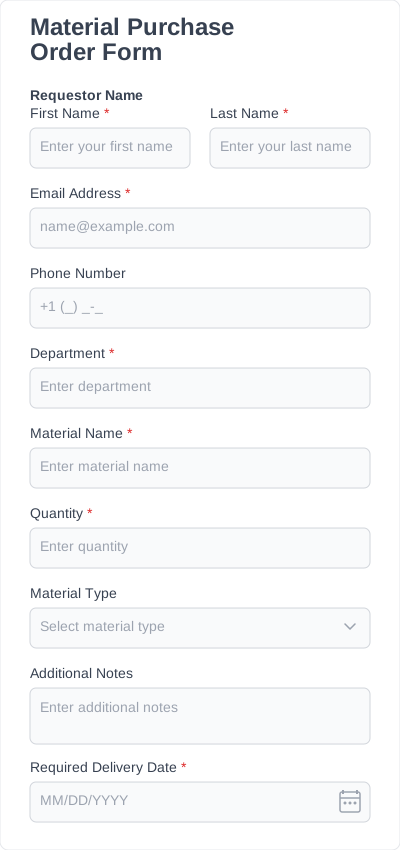

Types of order form templates IvyForms offers
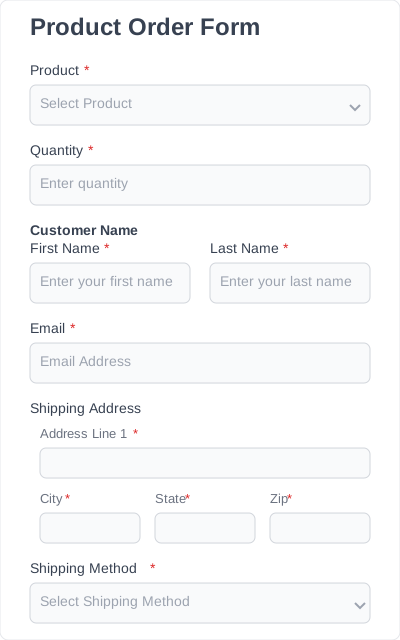
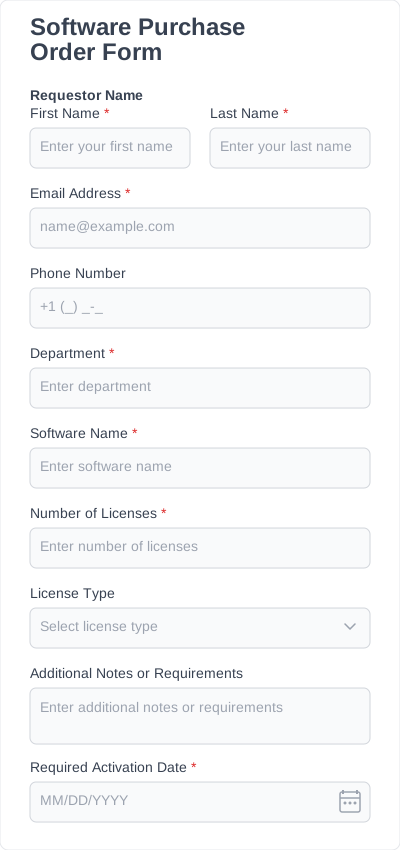
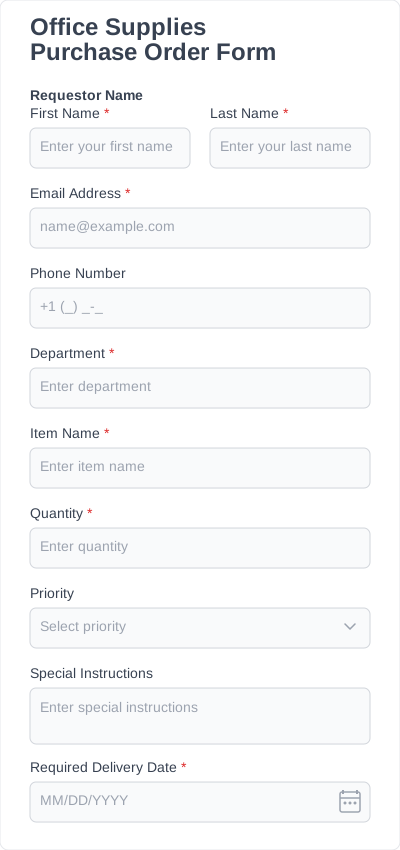
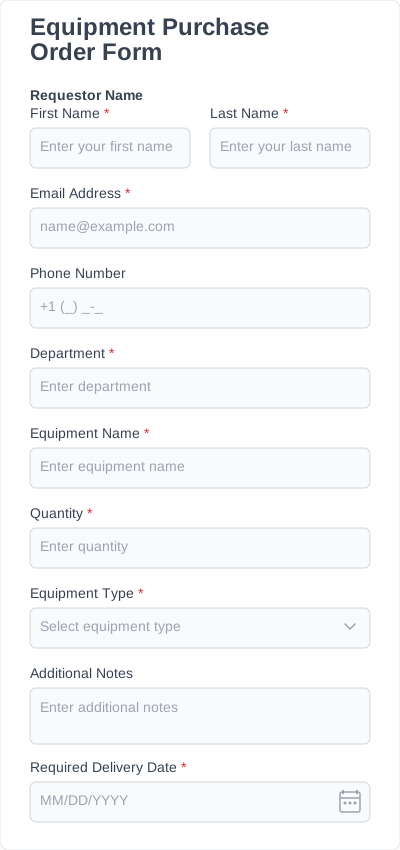
IvyForms provides a variety of product order form template options designed for different industries and ordering scenarios. They eliminate the need to build forms from scratch and give you a structured way to gather customer details, order quantities, pricing information, and payment preferences.
Whether you’re selling merchandise, custom products, baked goods, or managing internal orders and change requests, our templates help you collect structured order details quickly and efficiently.
Here are some of the most common types of order forms you can create with IvyForms.
Simple product order forms
Perfect for straightforward product purchases where customers select items, quantities, and provide their contact or shipping information.
These templates are ideal for small businesses, creators, and online stores that need a simple product order form template without building a full eCommerce system.
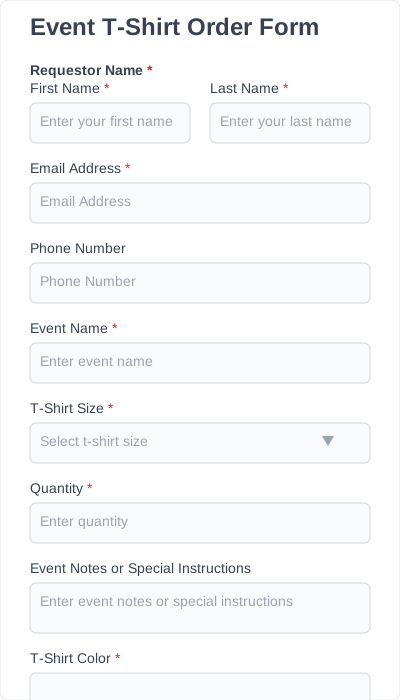
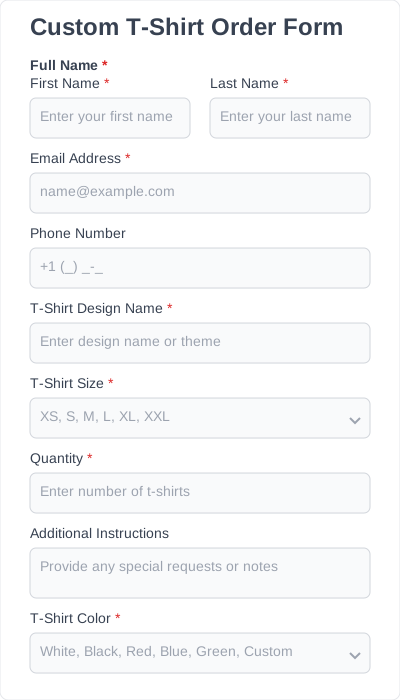
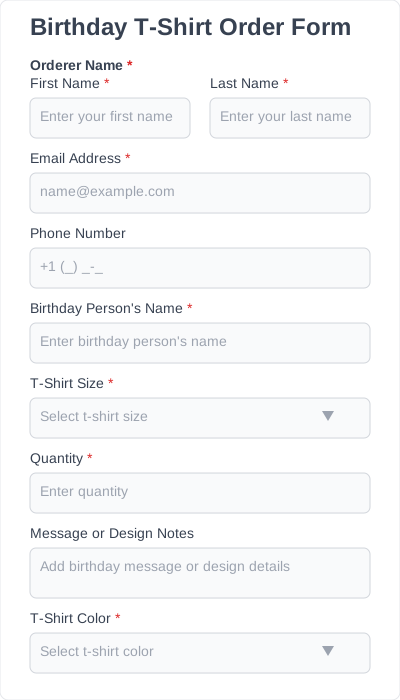
T-shirt order forms
Great for selling or collecting orders for custom apparel.
You can choose from:
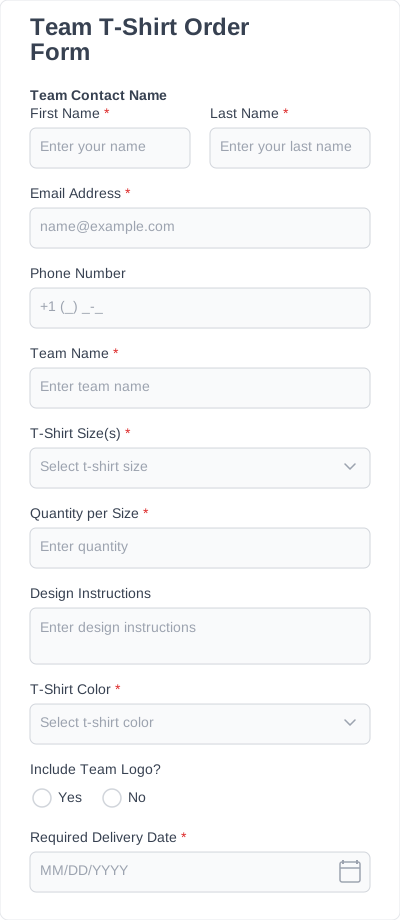
- Event T-shirt order forms
- Custom T-shirt order forms
- Birthday T-shirt order forms
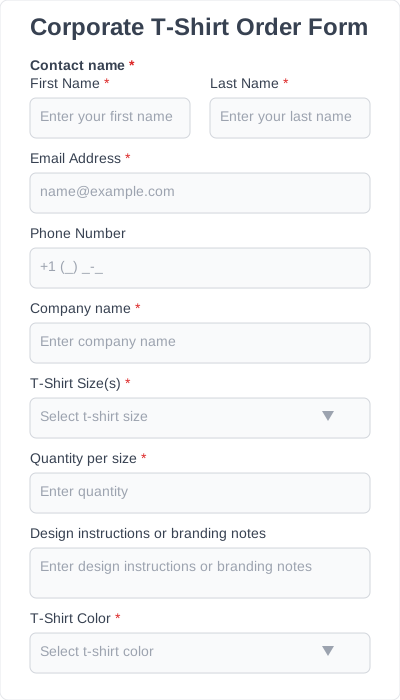
- Corporate T-shirt order forms
- … and more
These templates make it easy to collect size preferences, quantities, design options, and delivery details.
Custom cake order forms
Designed for bakeries and cake designers that offer personalized cake orders.
Templates include:
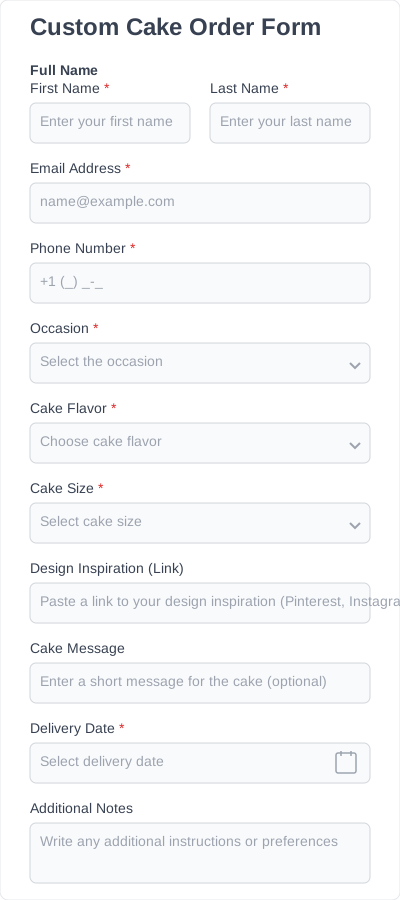
- Custom cake order forms
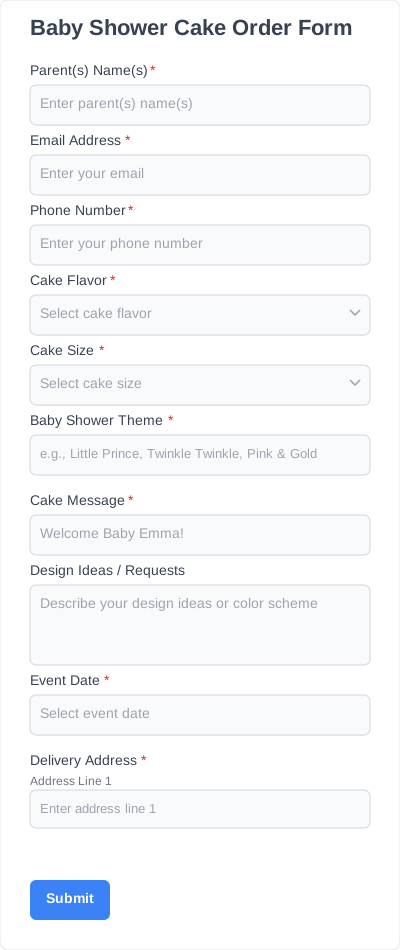
- Baby shower cake order forms
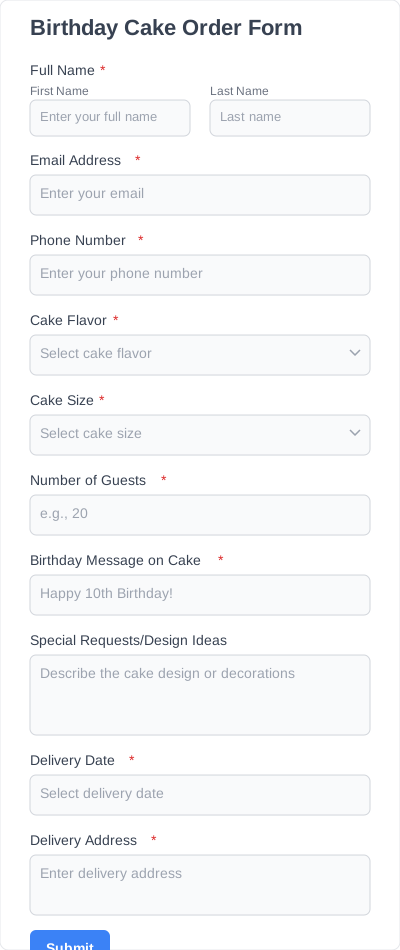
- Birthday cake order forms
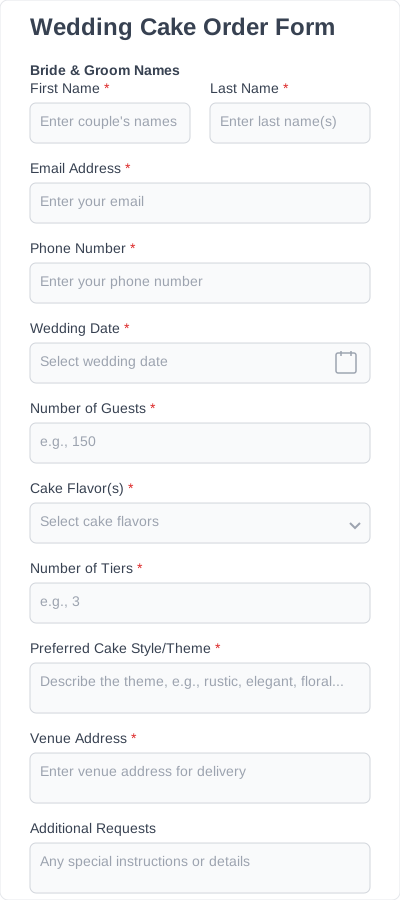
- Wedding cake order forms
Customers can specify flavor, size, theme, guest count, and custom messages, making it easy to turn a custom product order form template into a fully personalized ordering system.
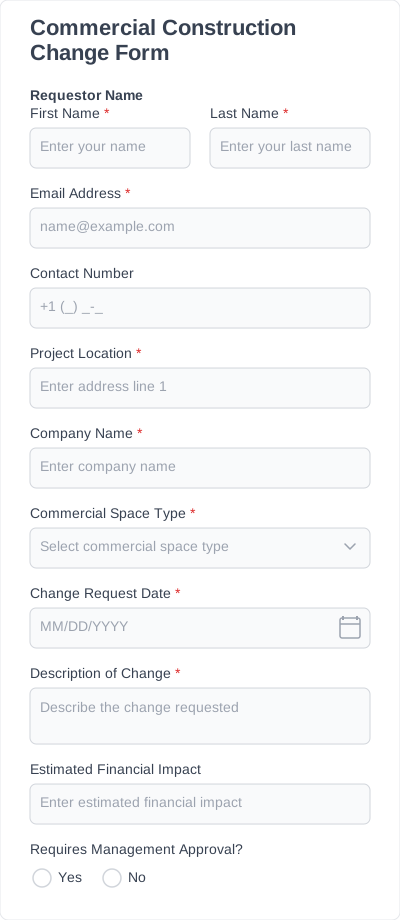
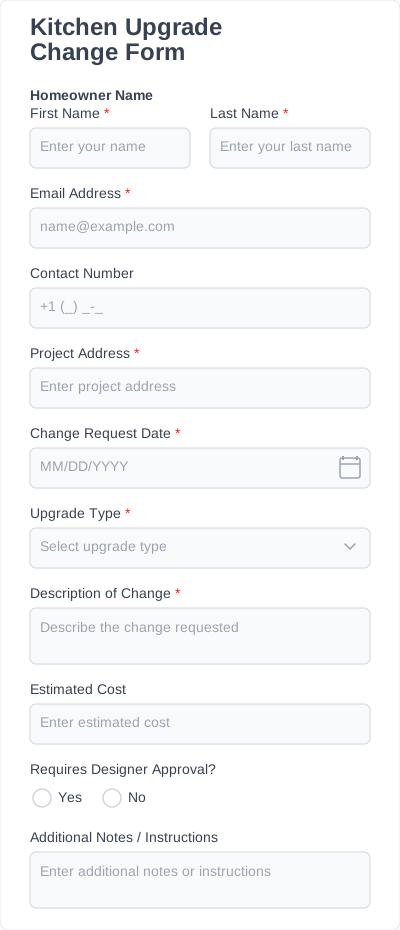
Construction change order forms
Ideal for contractors and construction teams that need to track changes in project scope, materials, or timelines.
Templates include:
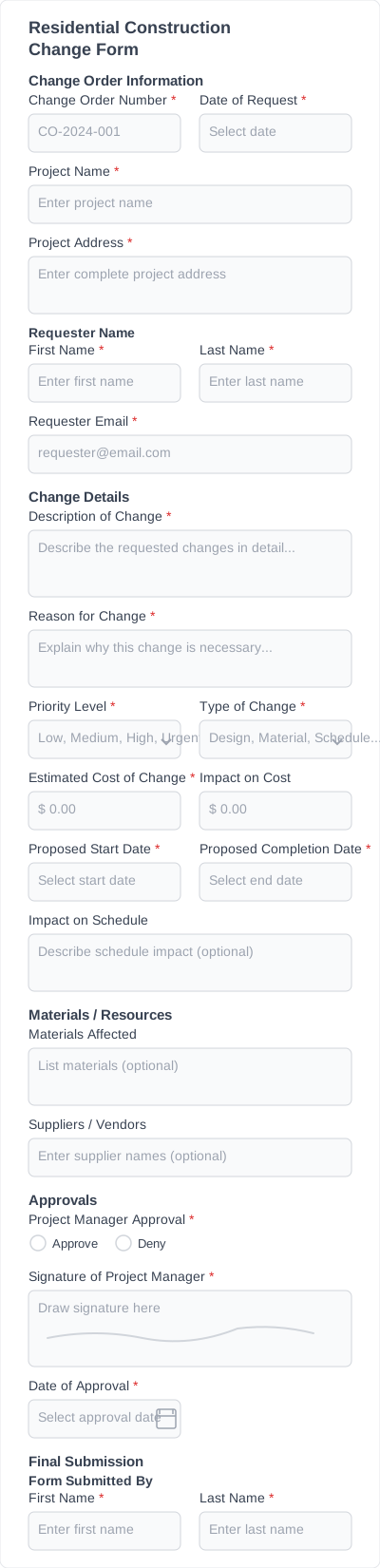
- Residential construction change order forms
- Construction change order forms
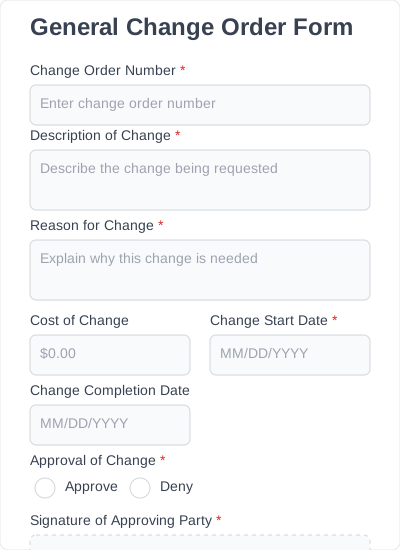
- General change order forms
These forms help document change requests clearly and keep projects organized.
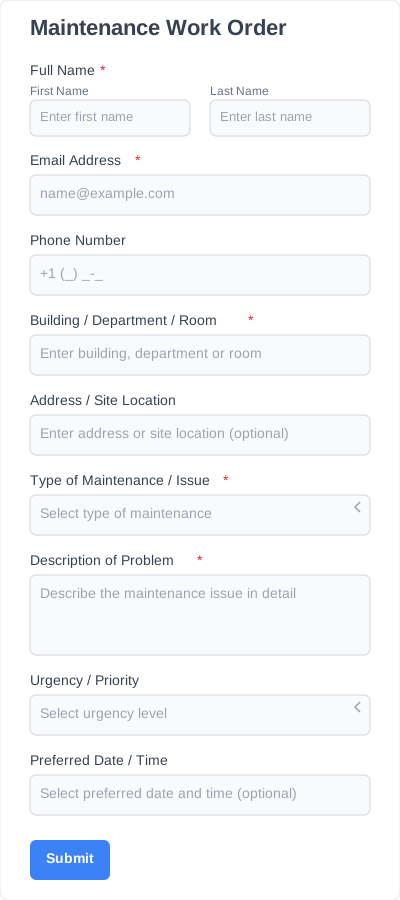
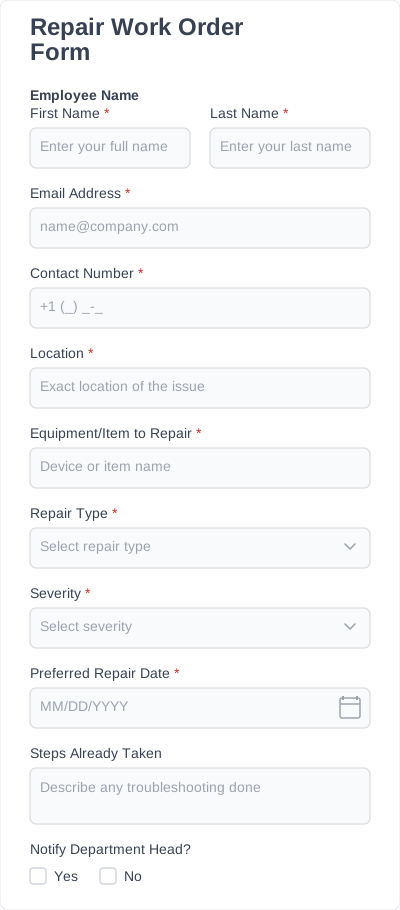
Maintenance & work order forms
Useful for property managers, facility teams, and organizations that handle repair or maintenance requests.
These forms collect detailed information about maintenance issues, requests, and work approvals in one structured submission.
Which fields are available for order form templates?
Every online order form template comes with the fields you actually need to collect clear, accurate orders. You can add, remove, or rearrange fields using drag-and-drop.
Customer information
Collect the basics upfront: name, email, phone number, and address. Helps keep your order list organized and prevents mistakes or unreachable customers.
Product or service details
Dropdowns, checkboxes, or text fields for product or service names, variations, and add-ons. Ensures customers can clearly specify what they want to order.
Size, color, and custom options
Fields for size, color, material, or personalization. Makes it easy for customers to provide exactly what they need, reducing errors and back-and-forth.
Quantity field
A number field for accurate order totals. Prevents messy inputs and ensures correct calculations for products or services.
Delivery or pickup options
Fields for delivery address, preferred pickup or delivery dates, and special instructions. Ensures smooth order fulfillment.
Special instructions
Extra text fields for customers to provide details, requests, or special instructions. Helps capture additional needs for any order type.
All fields are editable, so your order form template can stay simple or expand into a comprehensive, fully detailed ordering tool.
Why use order form templates instead of starting from scratch
Using a simple order form template helps you save time, stay organized, and create professional forms without starting from zero. It also prevents missing important order information and avoids other common issues. With a template, you get several key benefits:
- Quick setup: Launch your form in minutes with pre-built fields and layouts.
- Flexibility: Templates can handle any ordering scenario, from straightforward requests to complex workflows with conditional fields, pricing calculations, and payments.
- Professional design: Mobile-friendly, clean, and user-friendly layouts make forms easy to complete and look trustworthy to customers.
- Fewer errors: Templates are structured to capture all essential order and customer information, reducing mistakes and missing data.
- Customization: Easily add, remove, or rearrange fields using drag-and-drop to match your exact needs.
- Reusable: Once customized, a template can be reused for multiple products, campaigns, or events, keeping your forms consistent and efficient.
Using an order form template ensures your forms are organized, accurate, and professional from the start — making order collection faster, easier, and completely stress-free.
How to customize and add templates to your website
1. Install IvyForms
Choose a plan, then download and activate the IvyForms plugin on your WordPress site. The installation is quick and integrates seamlessly, so you’ll be ready to create forms immediately.
2. Choose a template
Browse the library of order form templates and pick the one that best fits your needs. Templates are organized by type, so you can quickly find the perfect starting point for your form.
3. Edit fields
Customize your form using IvyForms’ intuitive drag-and-drop editor. Add new fields, remove ones you don’t need, or rearrange them to match your workflow.
4. Publish form and add to any page
Once your form is ready, embed it on any page using a shortcode. It’s now live and accessible to customers, ready to collect submissions.
5. Start collecting orders
Customers can now start placing orders, and all submissions are sent directly to your WordPress dashboard. Easily manage, track, and export orders while keeping everything organized in one place.
Order form templates: Who can benefit & how
You can use an order form template free or paid version, for almost any type of order collection.
Small businesses & shops
Easily collect product orders, quantities, and customer details without a full e-commerce setup.
Online sellers
Sell products or services directly through your website using a simple online order form, without managing complex checkout systems.
Bakeries & food businesses
Take orders for cakes, pastries, or custom items with fields for quantities, flavors, delivery dates, and special instructions.
Schools & sports teams
Collect orders for uniforms, T-shirts, or event materials while keeping submissions accurate and easy to track.
Nonprofits & fundraisers
Handle merchandise sales or fundraiser orders with simple forms that keep all data in one place.
Service providers
Collect service requests, bookings, or custom job details in a structured, easy-to-manage form.