



Limited time Limited time
Start the Season With Better Forms
Up to 40%Off
Up to 40%Off
Grab Now

Free WordPress form templates

Drag, drop, and publish in minutes — form templates are pre-built forms you can copy, customize, and publish instead of building a form from a blank page. IvyForms templates are free and made for WordPress: pick one, edit the fields in a drag-and-drop builder, embed it on any page, and start receiving submissions in your WordPress dashboard. Every template is fully editable.

All Templates

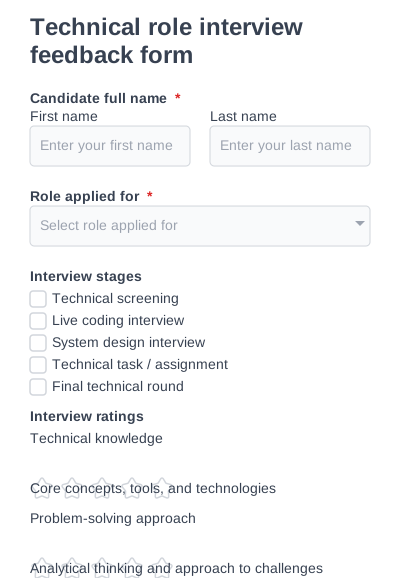
Technical role interview feedback form

A structured technical interview feedback form for evaluating a candidate’s technical skills.

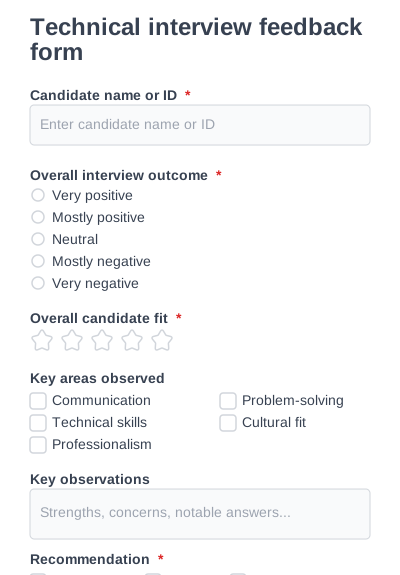
Technical interview feedback form

A universal interview feedback form designed to capture structured interviewer insights.

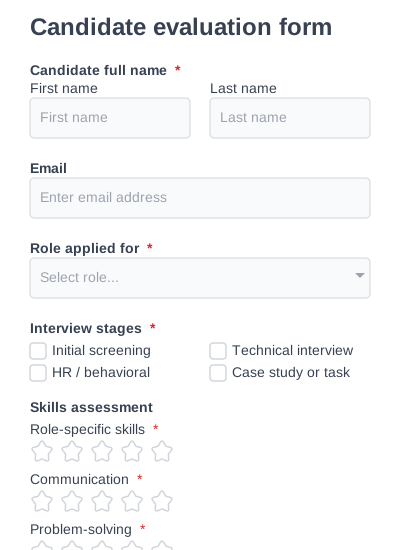
Candidate evaluation form

A detailed candidate evaluation form for assessing candidates across multiple criteria.

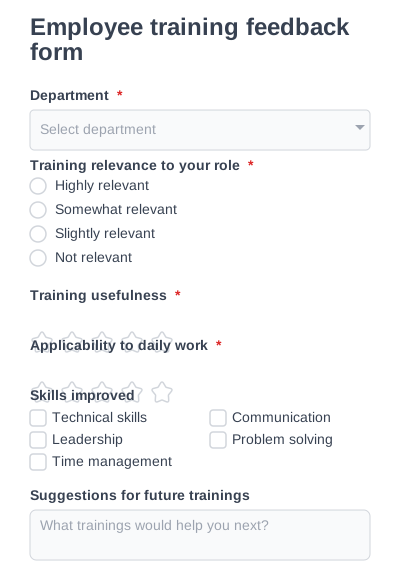
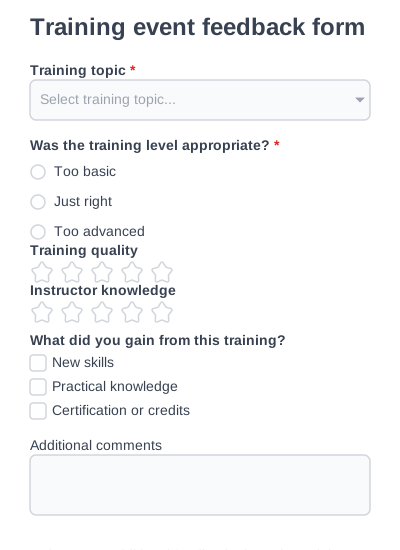
Employee training feedback form

Collect internal feedback on employee training effectiveness and skill development.

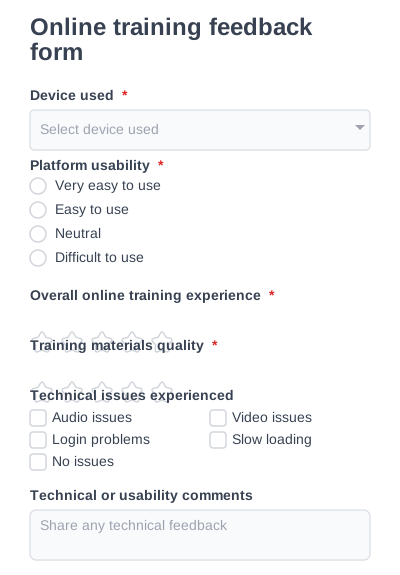
Online training feedback form

Measure user experience, platform usability, and materials in online training programs.

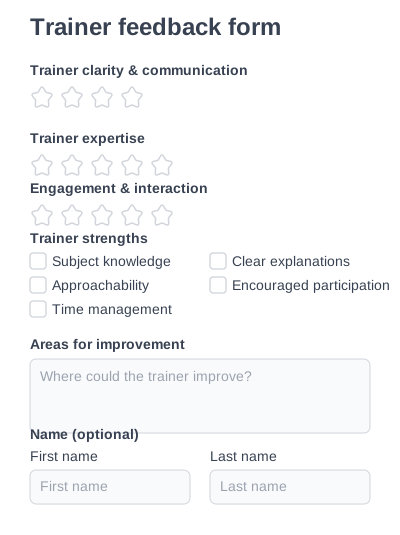
Trainer feedback form

Collect focused feedback on trainer knowledge, communication, and teaching.

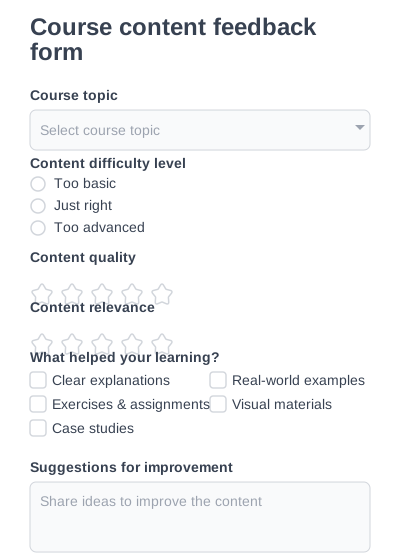
Course content feedback form

Evaluate course structure, content relevance, and learning outcomes.

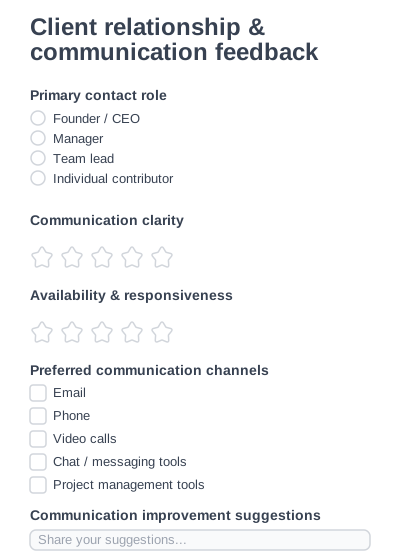
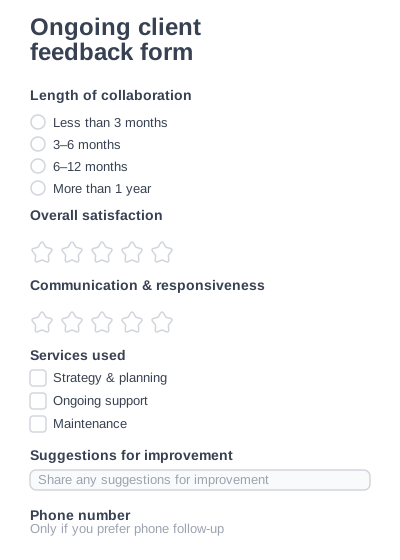
Client relationship & communication feedback form

Collect focused feedback on client communication and strengthen client relationships easily.

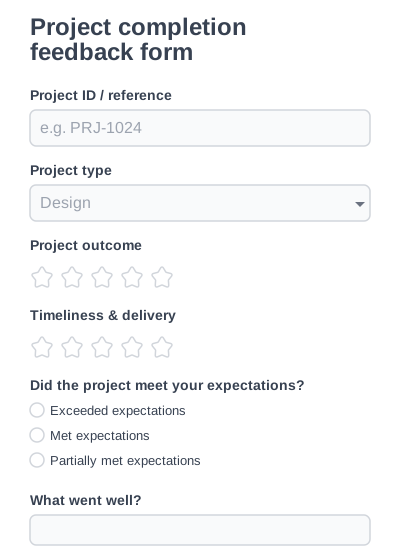
Project completion feedback form

Collect structured feedback after completing a client project.

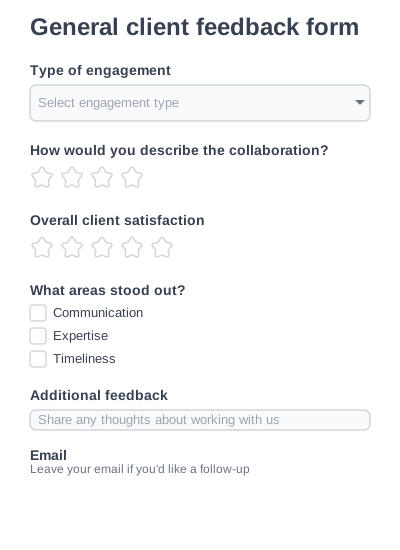
General client feedback form

A flexible client feedback form for collecting overall impressions of working with your company.

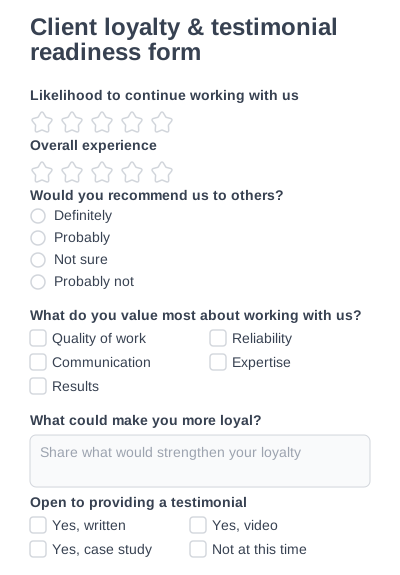
Client loyalty & testimonial readiness form

Measure client loyalty and identify clients open to giving testimonials or referrals.

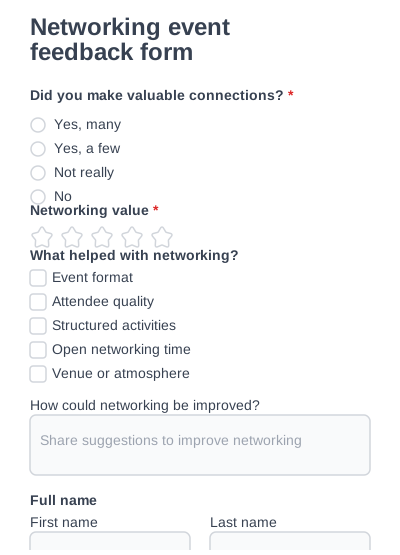
Networking event feedback form

Understand how effective your event was for building professional connections.

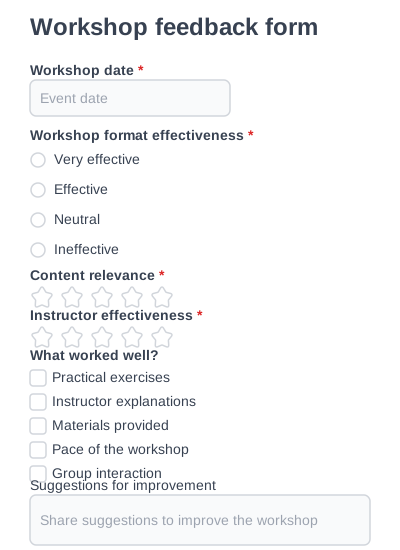
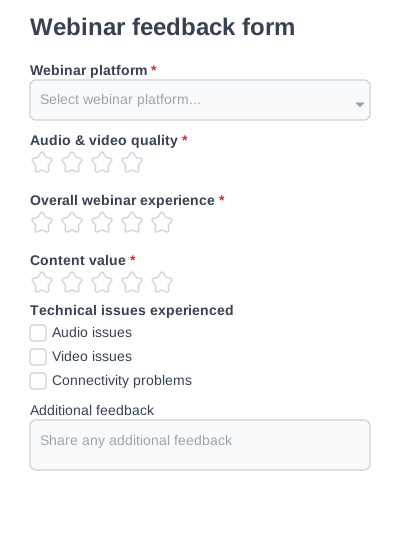
Workshop feedback form

Evaluate hands-on workshops, learning outcomes, and instructor performance.

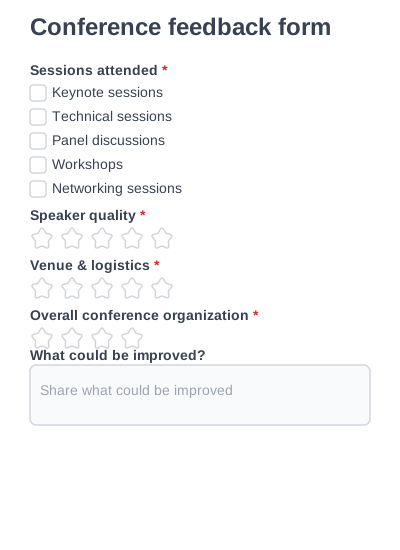
Conference feedback form

Collect structured feedback about conference content, speakers, and venue quality.

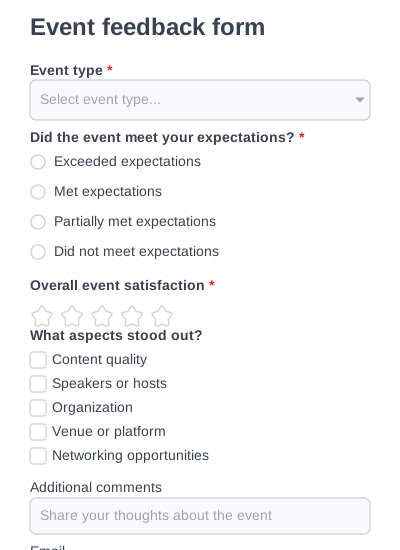
Event feedback form

A flexible event feedback form for collecting attendee impressions across any type of events.

Why IvyForms templates?

Fast to launch

Fast to launch

Every template comes fully structured, so you can publish immediately or tweak it to fit your needs.

Built to be used

Built to be used

Our form templates are based on how people actually use forms.

Easy to customize

Easy to customize

Customize fields, layouts, and logic visually — no coding required.

Made to convert

Made to convert

Clean layouts and smart structure help users finish forms faster and with less friction.

WordPress-ready

WordPress-ready

Embed forms anywhere on your site and use them with your favorite themes and page builders.

Scales with you

Scales with you

Start simple and expand with conditional logic, multi-step forms, and advanced configurations as your needs grow.

Browse form templates by category

Category Use it to Templates
Order forms Take product, merch, cake, work and change orders with quantity, option and pricing fields 22
Feedback forms Collect ratings and open comments from customers, clients, trainees and event attendees 25
Consent forms Get documented permission — medical, photo/media, and treatment consent with signatures 11
Waiver forms Capture liability release and assumption-of-risk sign-off before activities 10
Event registration forms Sign attendees up for webinars, conferences, weddings and charity events 14
Registration forms Enroll people in classes, workshops and vendor slots 6
Booking forms Take appointment and reservation requests with date/time selection 10
Request forms Route internal asks like time off and service requests to the right person 4
Contact forms Let visitors reach you with a clean, spam-resistant message form 1

How IvyForms templates work


Three things happen, and none of them needs code:


  1. Pick a template that already has the right fields for the job — an order form comes with product, quantity and option fields; a consent form comes with a signature field.
  2. Customize it in the builder. Add or remove fields, rename labels, set required fields, and add conditional logic (show a “delivery address” field only when someone chooses delivery, for example).
  3. Publish and collect. Embed the form on a WordPress page or post. Submissions land in your dashboard and can trigger email notifications — nothing is stuck in a PDF someone has to print, fill, and email back.

Why a live form beats a downloadable template


A Word or PDF “template” still leaves you with the hard part: getting a filled-in copy back, readably, without manual re-typing. An IvyForms template is the finished, working form — the respondent submits online, you receive structured data, and you can search, filter and export it. Use a downloadable file when you need a printout to sign in person; use a live form when you want the answers to come to you.

Not sure which form template to pick?

If your goal is to… Start here
Sell or take orders for a product, service or custom item Order forms
Find out what people thought Feedback forms
Get legally documented permission or sign-off Consent forms or Waiver forms
Fill seats, sessions or slots Event registration or Registration forms
Let people book a time with you Booking forms
Handle an internal request Request forms

Form templates FAQ

A form template is a ready-made form with the fields already in place for a specific job, so you customize an existing form instead of building one from scratch. IvyForms templates are fully editable — you can change every field, label and setting.

Creating a form template is simple. Choose a template from the library or start from scratch, customize it using IvyForms’ drag-and-drop editor, and save it as a reusable template. You can then use the same template across multiple forms or sites.

No. All templates can be customized using IvyForms’ visual editor — no code required.

Yes. You can add, remove, and rearrange fields, change labels, adjust layouts, and configure logic based on your needs.

Yes. All templates are responsive and optimized to work smoothly on desktop, tablet, and mobile devices.

Some form templates are available for free, while others may require a paid plan depending on features used. Each template page clearly shows availability.

Google Forms is fine for a quick internal poll. Choose IvyForms when you want the form to live on your own WordPress site, match your branding, use conditional logic, store entries in your dashboard, and send automatic notifications — without sending visitors off to a Google domain.

Every submission is saved as an entry in your WordPress dashboard, where you can view, search, filter and export it. You can also set up email notifications so the right person is alerted the moment a form comes in.

Start building Better Forms today

Try IvyForms Lite or go Pro. Either way, you’ll love how effortless it feels.