

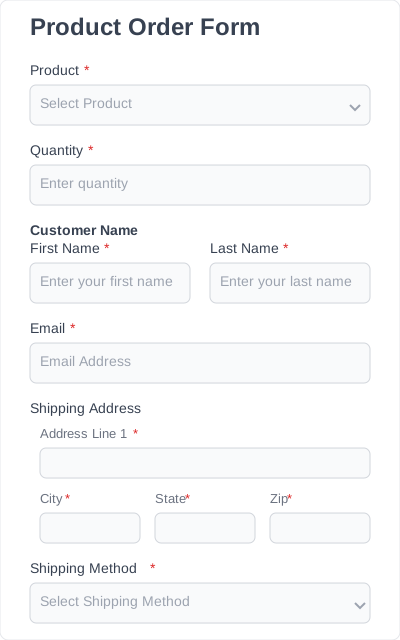
Simple product order form
General form for ordering products. Users select products from a list and specify quantities, along with shipping and contact information.

Drag, drop, and publish in minutes — pre-built forms that anyone can customize. Designed to save time, collect better data, and get results.
General form for ordering products. Users select products from a list and specify quantities, along with shipping and contact information.
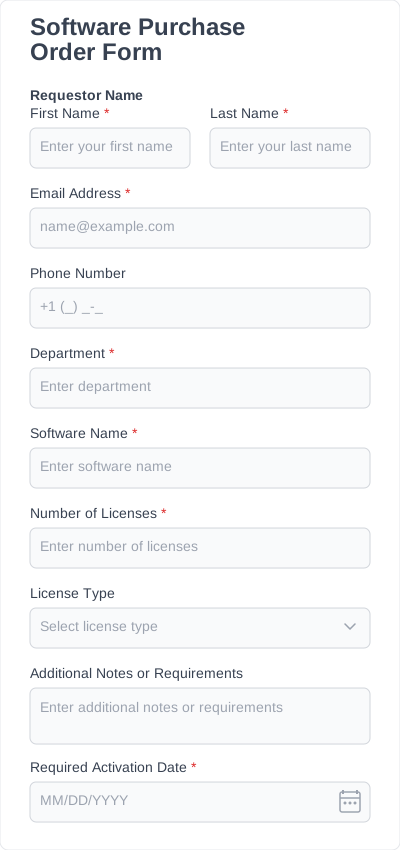
For ordering software licenses, subscriptions, or digital products.
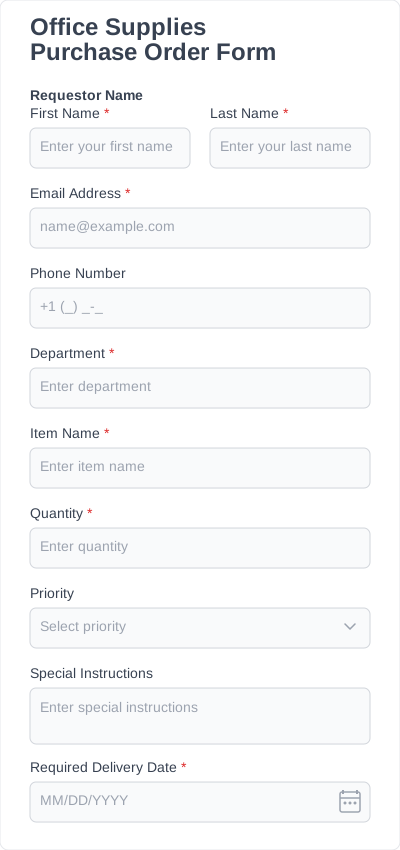
Form for ordering office supplies like stationery, printer paper, and general office items.
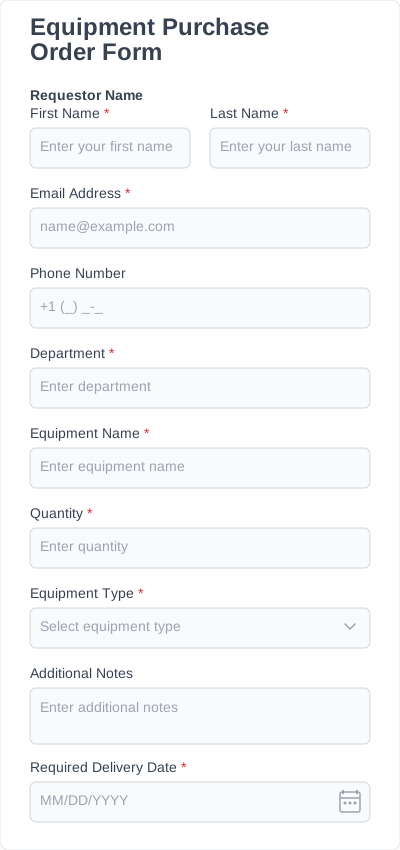
For ordering equipment such as computers, tools, or machinery.
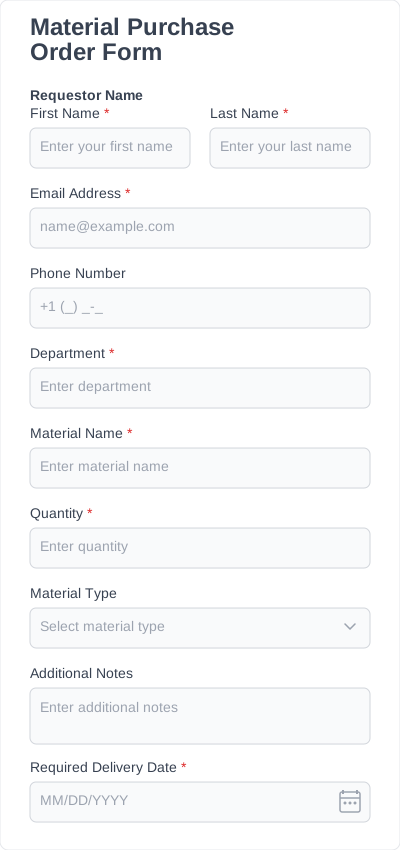
For ordering raw materials, construction supplies, or packaging materials.
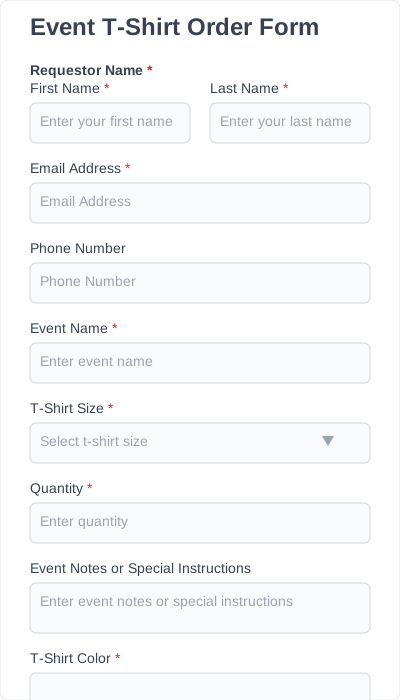
For events, conferences, or festivals requiring t-shirt orders.
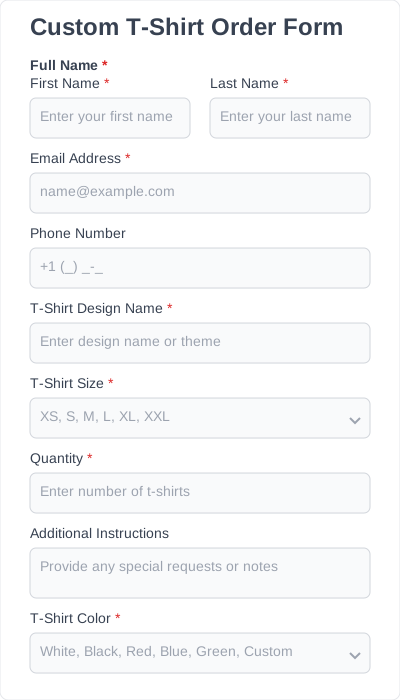
A flexible form for custom t-shirt orders. Suitable for individuals or small groups.
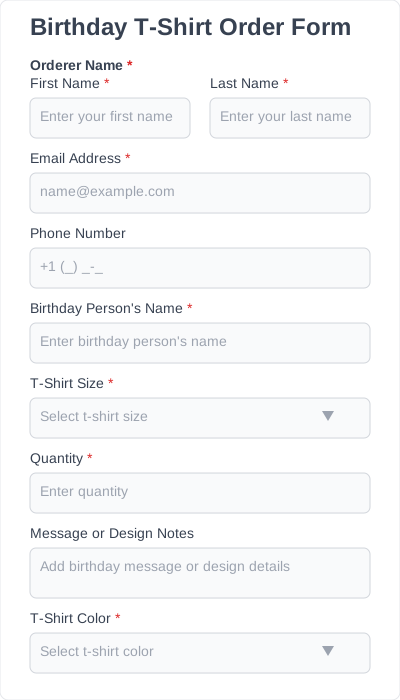
For ordering custom t-shirts for birthday parties or personal celebrations.
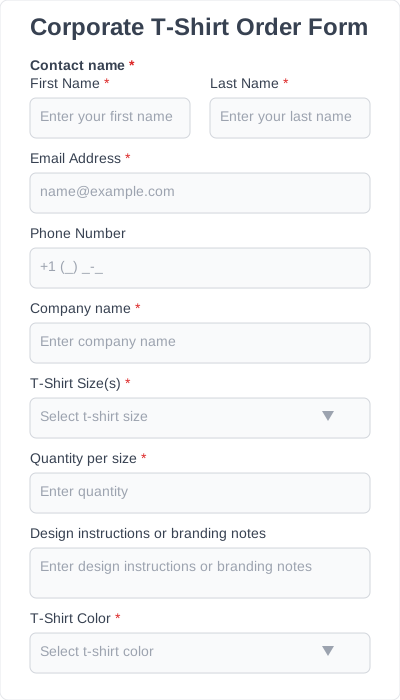
For companies ordering t-shirts for employees, events, or promotions.
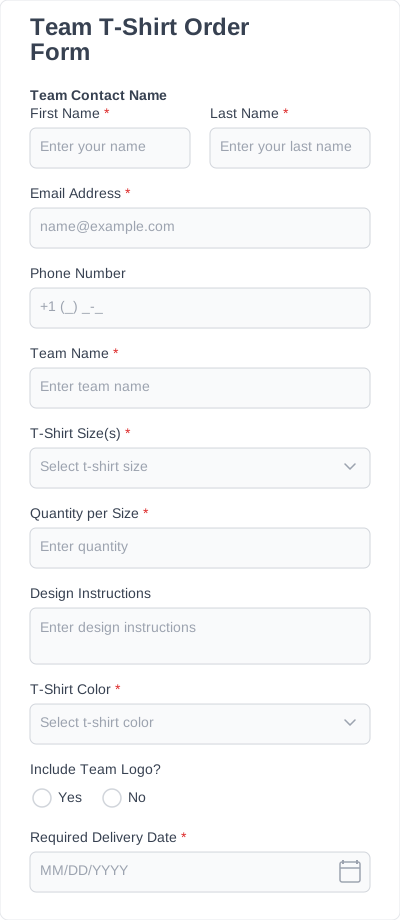
Designed for sports teams or group orders with multiple sizes.
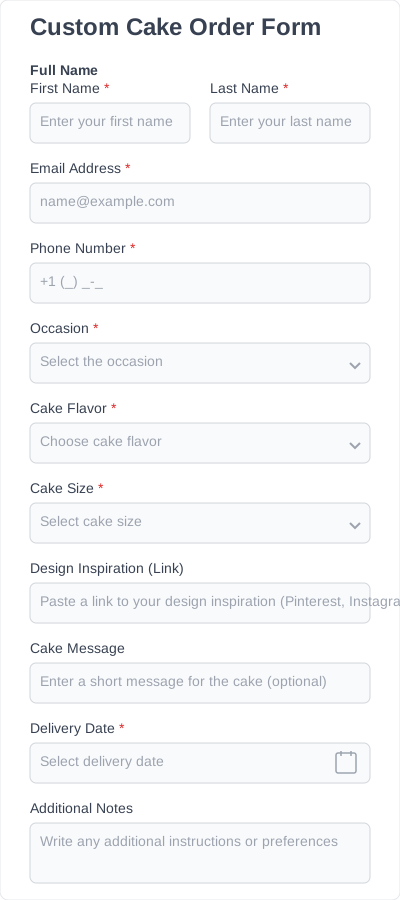
A flexible form for custom cake orders. Perfect for bakeries and custom cake businesses.
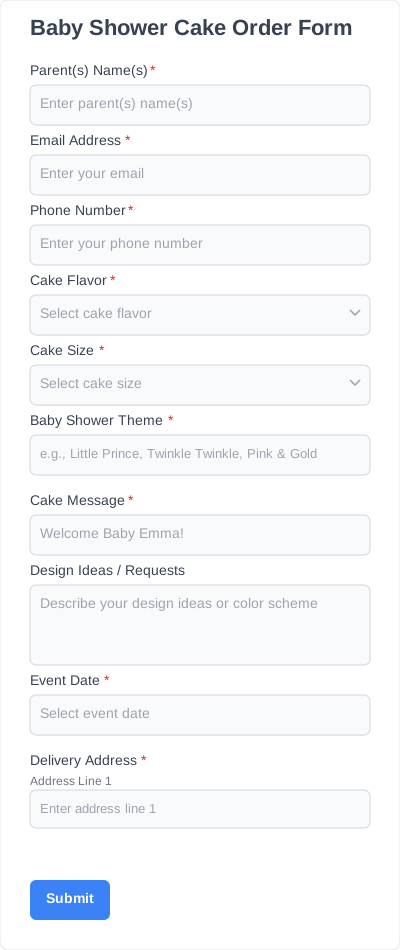
Form for ordering baby shower cakes with flavor, size, theme, and custom message options.
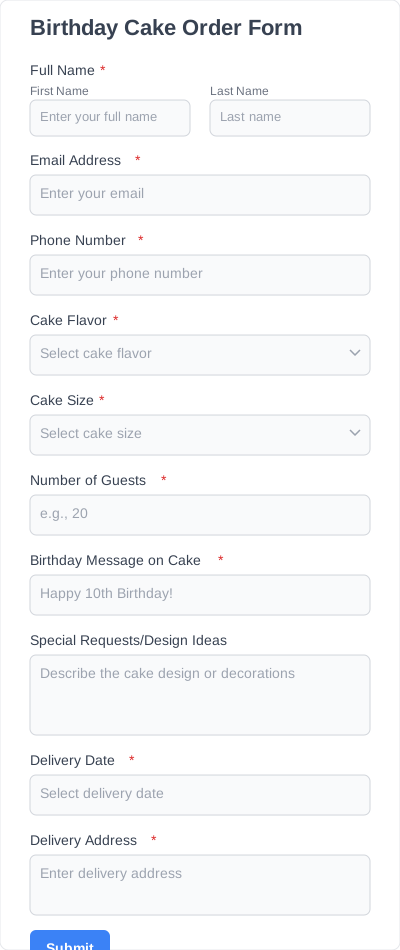
Form for ordering birthday cakes with flavor, size, guest count, and custom message options.
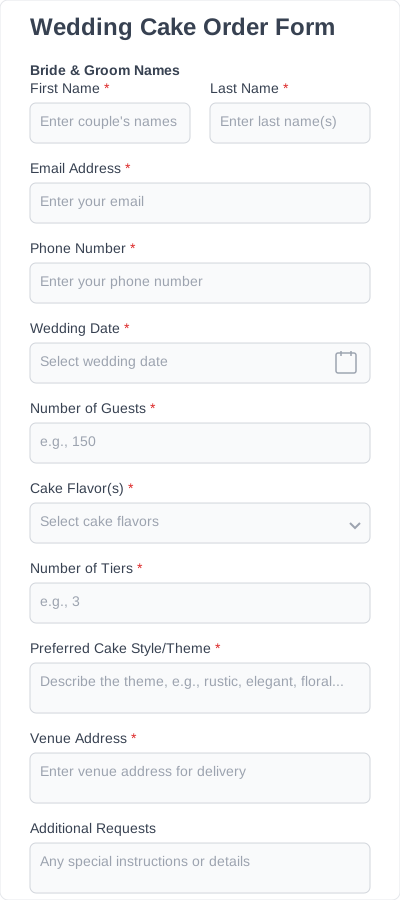
Specialized form for wedding cake orders with details about the couple, venue, and cake preferences.
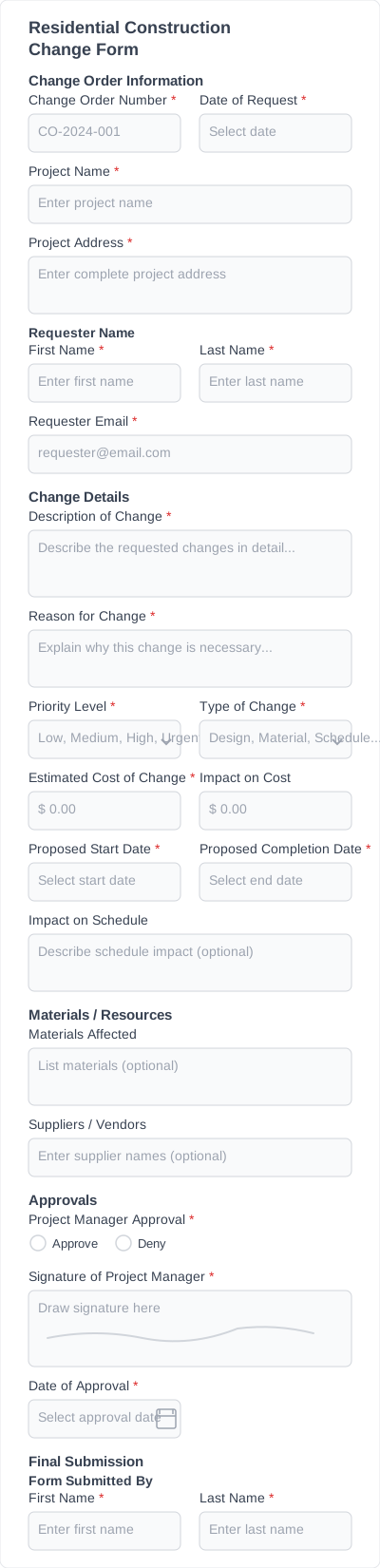
Detailed form for requesting, documenting, and approving changes in residential construction.

A general form for recording changes in any construction project. Suitable for both residential and commercial construction.
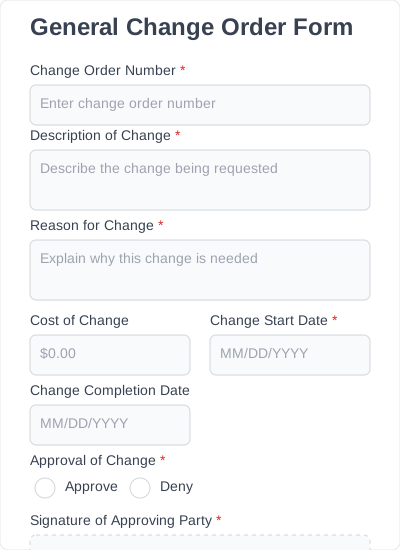
Form to request, document, and approve changes in a project, order, or contract.
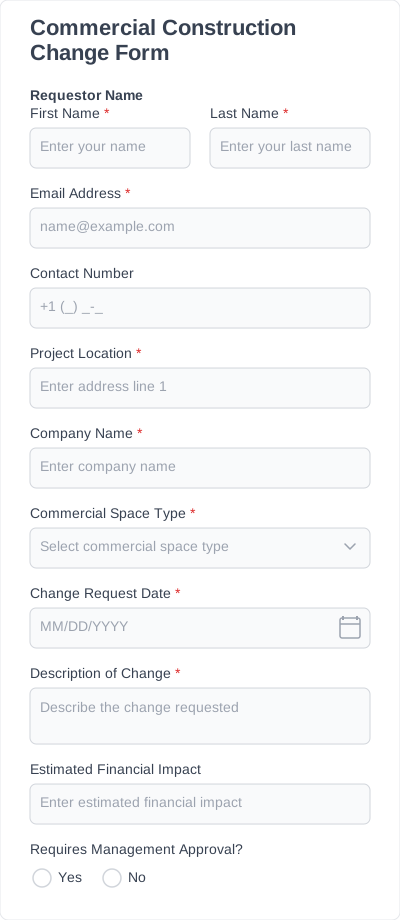
Focused on commercial spaces, offices, shops, and industrial buildings.
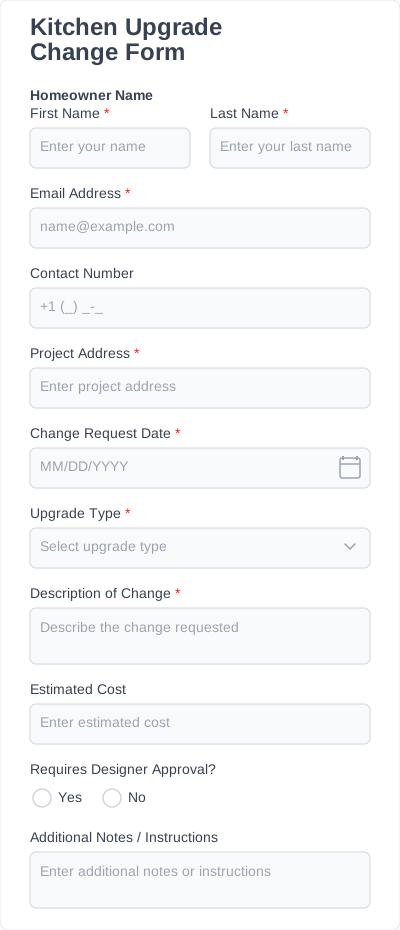
Form for recording changes specifically in kitchens during renovation or upgrades.
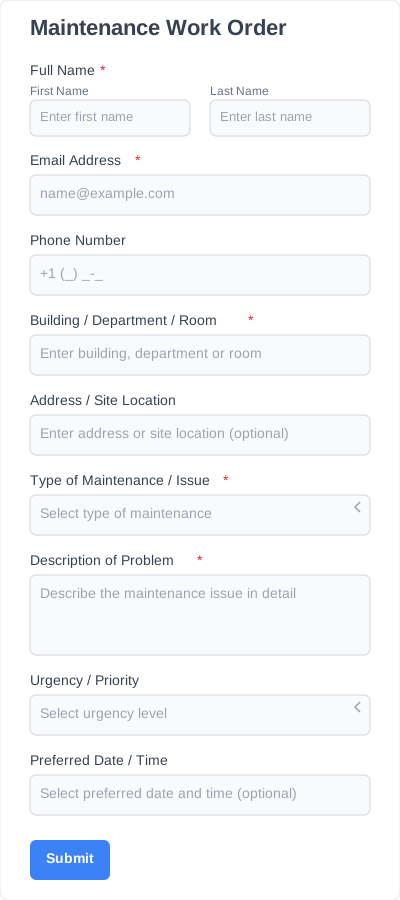
Form for submitting maintenance or repair requests within a building, office, or facility.
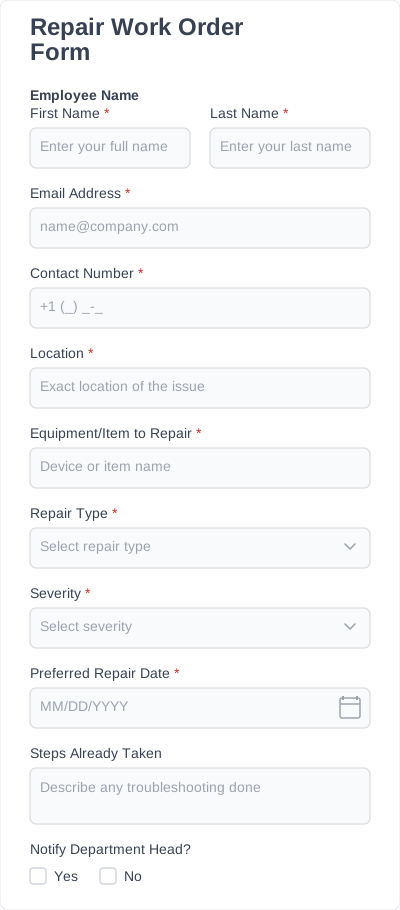
Form for repair requests with detailed tracking and issue categorization.

Every template comes fully structured, so you can publish immediately or tweak it to fit your needs.

Our form templates are based on how people actually use forms.

Customize fields, layouts, and logic visually — no coding required.

Clean layouts and smart structure help users finish forms faster and with less friction.

Embed forms anywhere on your site and use them with your favorite themes and page builders.

Start simple and expand with conditional logic, multi-step forms, and advanced configurations as your needs grow.
IvyForms templates are pre-designed WordPress form templates you can use as a starting point. Each template includes a ready-made structure that you can customize and publish in minutes.
Creating a form template is simple. Choose a template from the library or start from scratch, customize it using IvyForms’ drag-and-drop editor, and save it as a reusable template. You can then use the same template across multiple forms or sites.
No. All templates can be customized using IvyForms’ visual editor — no code required.
Yes. You can add, remove, and rearrange fields, change labels, adjust layouts, and configure logic based on your needs.
Yes. All templates are responsive and optimized to work smoothly on desktop, tablet, and mobile devices.
Some form templates are available for free, while others may require a paid plan depending on features used. Each template page clearly shows availability.
Try IvyForms Lite or go Pro. Either way, you’ll love how effortless it feels.