


Appointment booking form templates for any industry
An appointment booking form template can be used across different industries where customers, patients, or clients need to schedule a time slot.
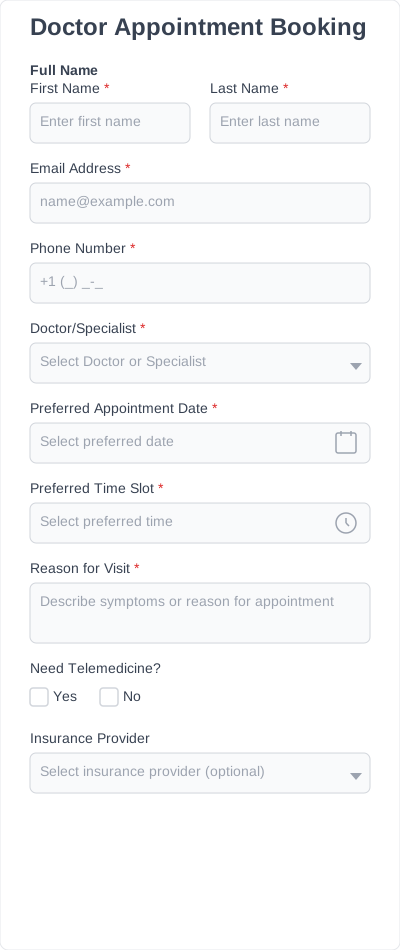
Doctor appointment booking forms
A doctor appointment booking form collects patient details, preferred dates, and appointment reasons before a visit.
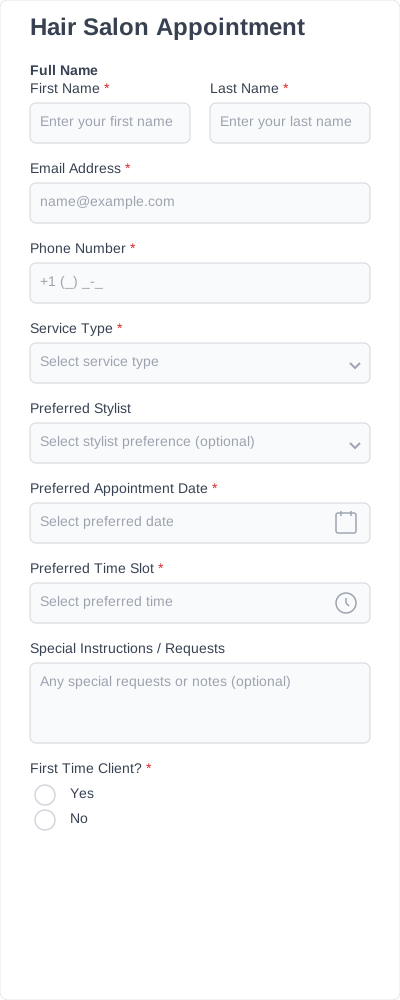
Hair salon appointment booking forms
A hair salon appointment booking form helps clients book haircuts, coloring, styling, or other salon services.
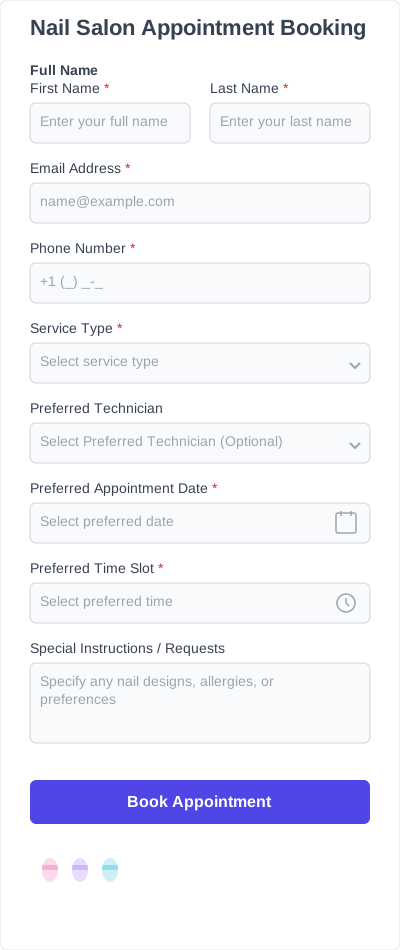
Nail salon appointment booking forms
A nail salon appointment booking form collects service selection, preferred dates, and client details for nail appointments.
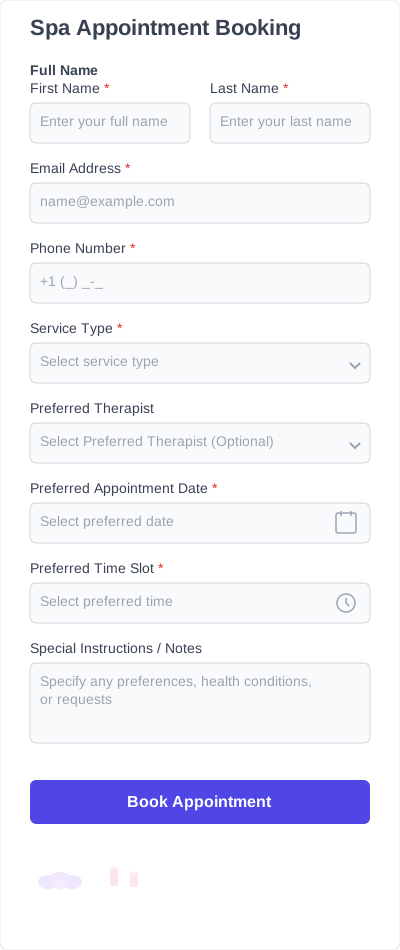
Spa appointment booking forms
A spa appointment booking form helps clients schedule massages, treatments, or wellness services.
Fitness appointment booking forms
Collect bookings for personal training sessions, classes, or coaching appointments.
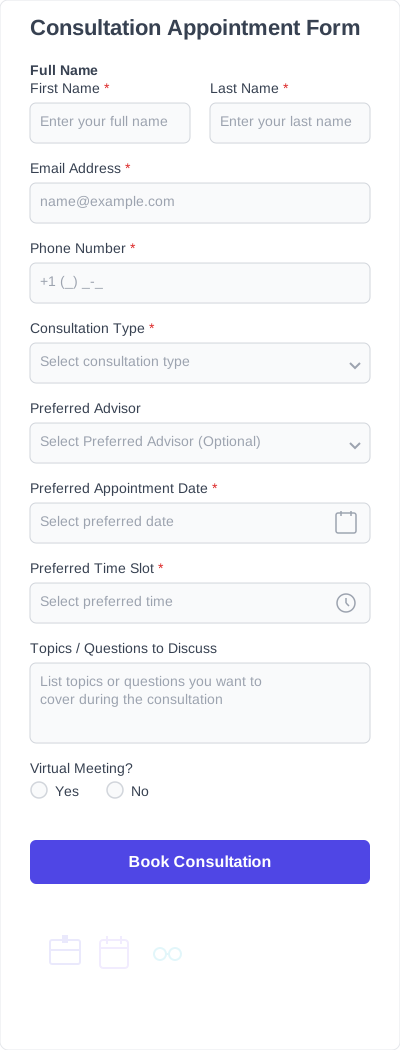
Consultation appointment booking forms
A consultation appointment booking form collects contact details, preferred time slots, and the reason for the consultation.
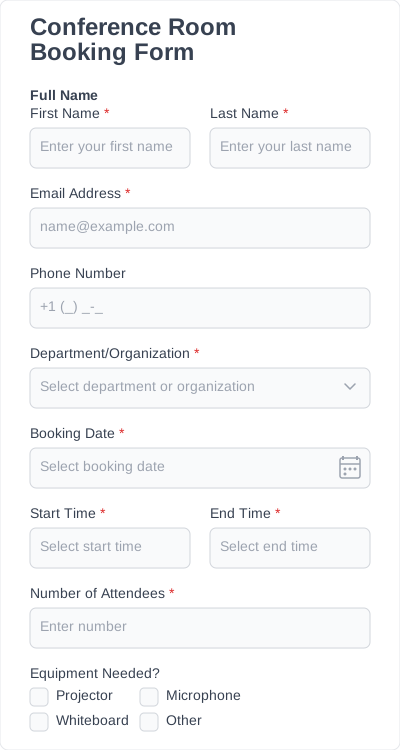
Conference room booking forms
A conference room booking form helps teams reserve meeting rooms and manage room availability.
Home service appointment booking forms
Collect service requests, address details, and preferred time slots for repairs, maintenance, or home visits.
What’s included in our appointment booking form templates?
Every appointment booking form template includes the fields needed to collect clear booking details and manage appointments. You can add, remove, or rearrange fields to match your workflow.
Customer information
Collect the customer’s name, email, and phone number to confirm and manage appointments.
Service selection
Specify the service or appointment type being booked, such as consultation, treatment, or session.
Date and time selection
Allow users to specify their preferred date and time slot for the appointment.
Location or meeting details
Specify where the appointment takes place, whether in person, online, or at a specific address.
Notes or special requests
Collect additional details, questions, or requests related to the appointment.
Confirmation field
Confirm that the user agrees to the booking details before submitting the form.
How to embed & customize appointment booking form on your website?
1. Install IvyForms
Choose a plan, then download and activate the IvyForms plugin on your WordPress website. The setup is quick and adds the form builder to your dashboard.
2. Choose a template
Browse the template library and select an appointment booking form template that fits your needs. Templates give you a ready-made structure to start from.
3. Edit fields
Customize your form using the drag-and-drop editor. Add or remove fields, update booking options, and adjust the layout to match your workflow.
4. Embed the form
Add the form to any page using a shortcode or block. The form is now live and ready for bookings.
5. Start collecting bookings
Once your form is live, customers can submit booking requests, and all entries are stored in your WordPress dashboard for easy management.
Features you need in appointment booking forms
The right features make appointment booking forms easier to set up, manage, and keep scheduling organized. They support how bookings are collected, confirmed, and stored.
Drag-and-drop editor
A drag-and-drop form builder lets you add, remove, and rearrange fields to match your workflow.
Conditional logic
Use conditional logic to show different fields based on the selected service or appointment type.
Multi-step forms
Break longer booking forms into smaller steps to make them easier to complete.
Form notifications
Send automatic updates when someone submits a new appointment request.
Entry management
Keep booking submissions organized in one place, with details ready for review.
Embedded forms
An embedded form lets you add your booking form to any page and collect appointments directly on your site.
Mobile-friendly layout
Make the form easy to complete on phones, tablets, and desktop devices.
Spam protection
Reduce unwanted submissions and keep your booking form cleaner.
Why creating appointment booking forms from scratch slows you down
Creating an appointment booking form from scratch takes more time and makes it easier to miss important details. A ready-made template gives you a structured starting point and keeps your booking process consistent.
- Time-consuming: Building fields, time slots, and booking logic from the beginning takes longer than starting with a ready-made template.
- Missing details: Without a clear structure, important information like availability, service selection, or contact details can be overlooked.
- Inconsistent scheduling: Different forms or setups can lead to confusion and make booking management harder.
- Difficult to reuse: Each new form needs to be rebuilt instead of reused or adapted.
- More manual work: Without predefined fields and logic, managing bookings and updates takes extra effort.
Using an appointment booking form template helps keep your forms structured, faster to set up, and easier to manage.