



Types of booking form templates available
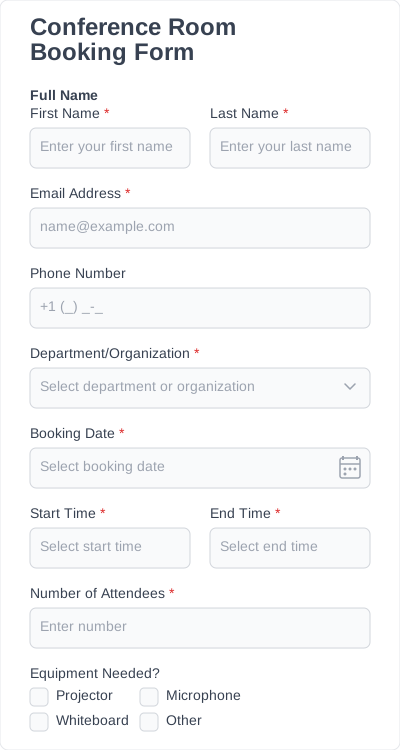
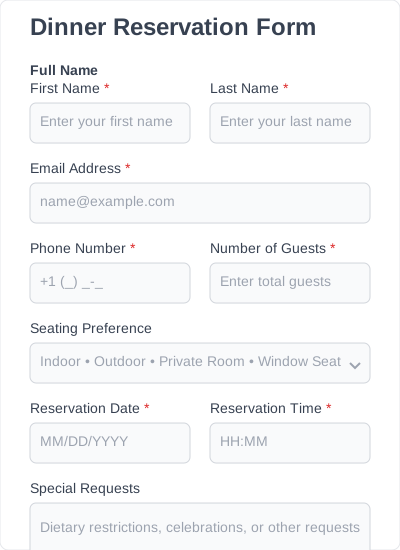
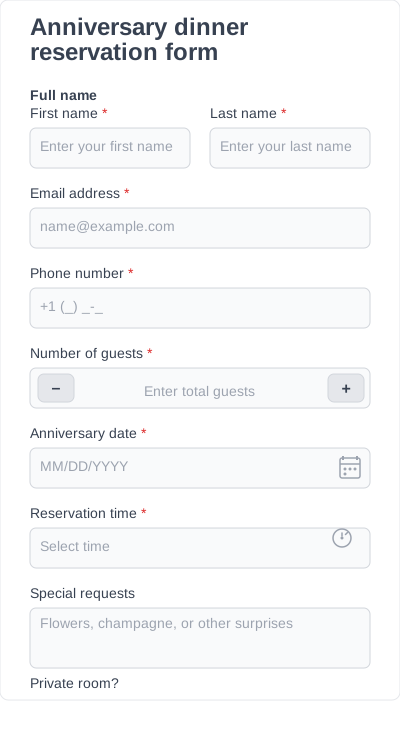
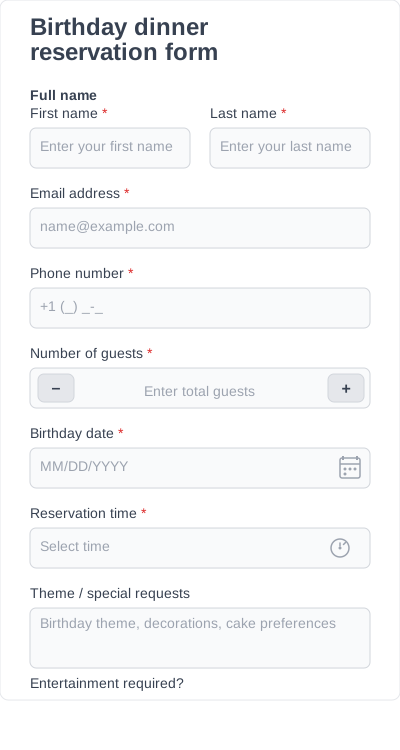
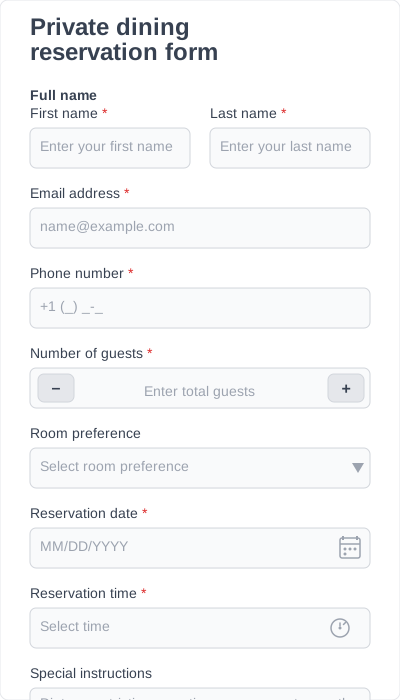
IvyForms offers a variety of booking form templates for different industries and scheduling needs. Each template provides a structured starting point that you can customize depending on your services, availability, and booking process.
Appointment booking form templates
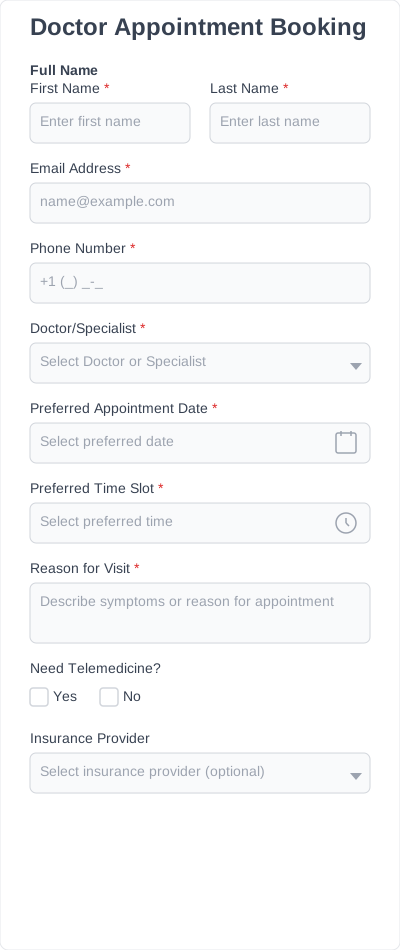
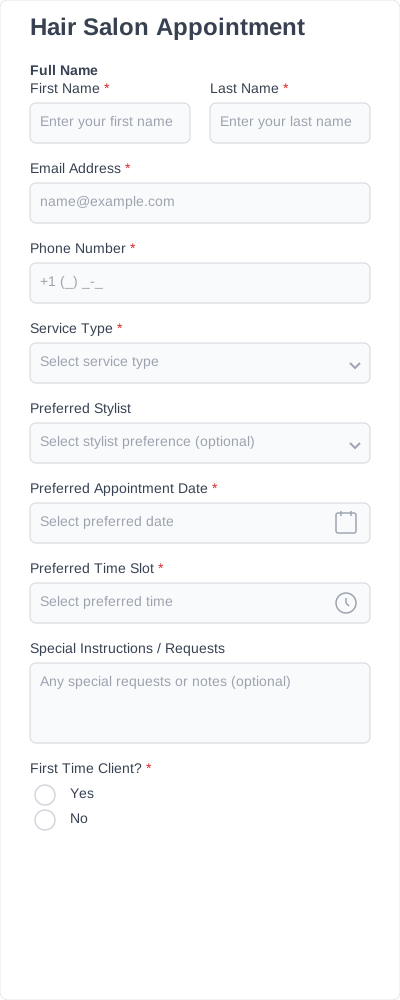
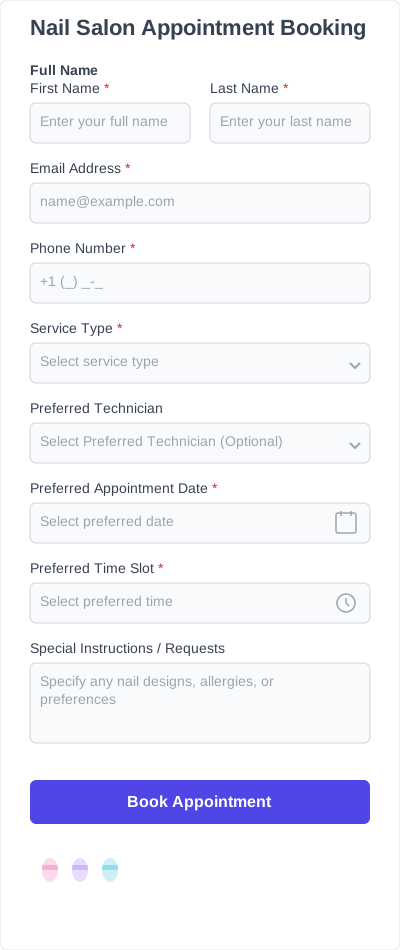
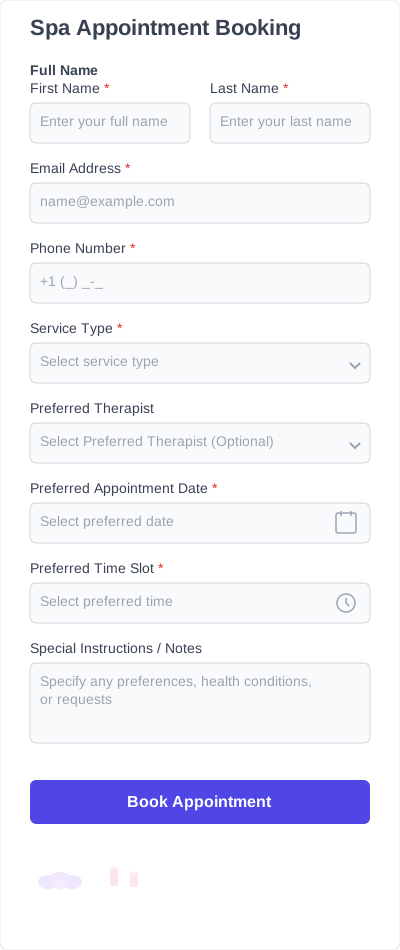
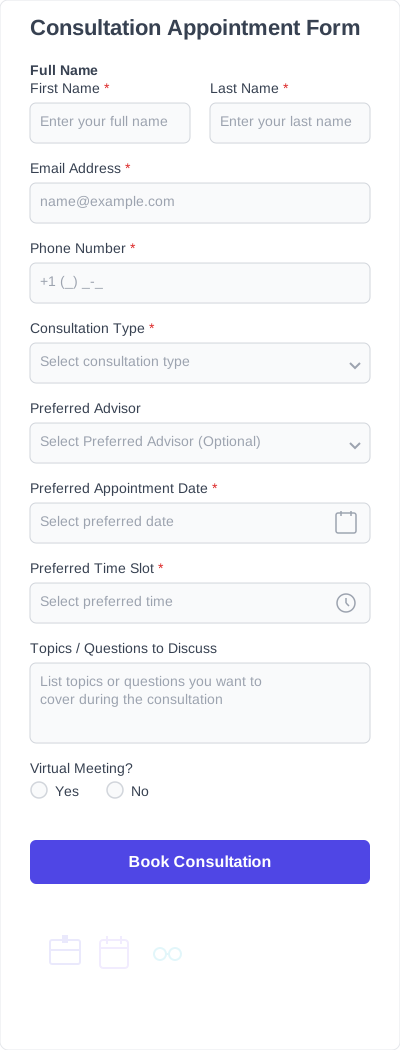
Perfect for businesses that offer scheduled services. These templates include fields for date selection, preferred time slots, contact details, and service selection.
Essential fields every booking form should have
Booking form templates are designed to help businesses collect booking details and schedule appointments clearly. Each template includes commonly used fields that you can customize depending on the service, reservation, or appointment type.
Customer details
Collect the customer’s name, email address, and phone number so you can confirm bookings, send updates, or contact them if the schedule changes.
Service or booking selection
Allow customers to choose the service or appointment they want to book. This is commonly used in forms such as salon booking forms, consultation booking forms, or other service-based booking forms.
Date and time selection
A date picker and time selection field allow customers to choose their preferred booking date and time. This helps keep appointments organized and makes scheduling easier to manage.
Number of participants
For bookings that involve more than one person, this field allows customers to specify how many participants will attend.
Payment or deposit options
Some bookings require deposits or advance payments. These fields allow customers to complete payments or confirm payment details during the booking process.
Special requests or notes
An optional text field where customers can provide additional information related to their booking, such as preferences or special instructions.
Each booking form template can be simplified or expanded as needed, allowing you to collect only the information that’s relevant to your booking process.
How to embed & customize a booking form on your website
1. Install IvyForms
Choose a plan, then download and activate the IvyForms plugin on your WordPress website. The installation is quick and integrates directly with your WordPress dashboard, so you can start building forms right away.
2. Choose a form template
Browse the template library and select a booking form template that fits your service or scheduling needs. Templates provide a structured starting point that can be customized.
3. Customize fields
Customize your booking form using IvyForms’ drag-and-drop editor. Add new fields, remove ones you don’t need, or rearrange sections to match your workflow.
4. Embed the form on your website
Once your form is ready, embed it on any page using a shortcode. Your booking form will instantly appear on your site and be ready for visitors to use.
5. Start collecting bookings
Customers can now submit booking requests directly through your website. All submissions are stored in your WordPress dashboard, where you can review, organize, and export them whenever needed.
Booking form features to look for
Our booking form templates include features designed to help businesses manage appointments, collect booking details, and keep scheduling organized.
Drag-and-drop builder
A drag-and-drop editor allows you to customize your booking form template without coding. You can add new fields, remove unnecessary ones, or rearrange sections to match your booking workflow.
Mobile-friendly design
Many customers book services from their phones. A mobile-friendly booking form ensures the form works smoothly on phones, tablets, and desktop devices.
Conditional logic
Conditional fields allow the form to adapt based on customer input. For example, additional questions can appear depending on the selected service or appointment type.
Multi-step forms
For longer booking forms, multi-step layouts help break the form into smaller sections. This makes the booking process easier to complete and improves the overall user experience.
Payment integrations
Some bookings require deposits or full payments. Payment integrations allow customers to complete payments directly through the booking form.
Submission management
All form submissions are stored in your WordPress dashboard, where you can review, manage, and export booking requests.
Why use IvyForms templates instead of starting from scratch?
Building a booking form from scratch often means deciding which fields to add, organizing the booking flow, and making sure nothing important is missing. Booking form templates give you a ready-made structure that you can customize to match your services and scheduling process.
- Faster setup: Start with a pre-built free booking form template instead of creating every field manually.
- Structured booking process: Templates are designed to guide customers through service selection, date and time scheduling, and confirmation in a clear order.
- Reusable across services: A customized booking form template can be reused for multiple services, events, or appointment types.
- Includes essential fields: Contact details, service options, and appointment scheduling fields are already included to help you collect accurate booking information.
- Flexible customization: Use the drag-and-drop editor to add new fields, remove unnecessary ones, or adjust the layout.
Using a booking form template helps simplify the booking process for both businesses and customers while keeping all submissions organized in one place.