



Change order forms for different project types
Change order forms are used across many industries where project scope, materials, or timelines may change during the work process. IvyForms templates can be customized for different project types and business needs.
Construction change order forms
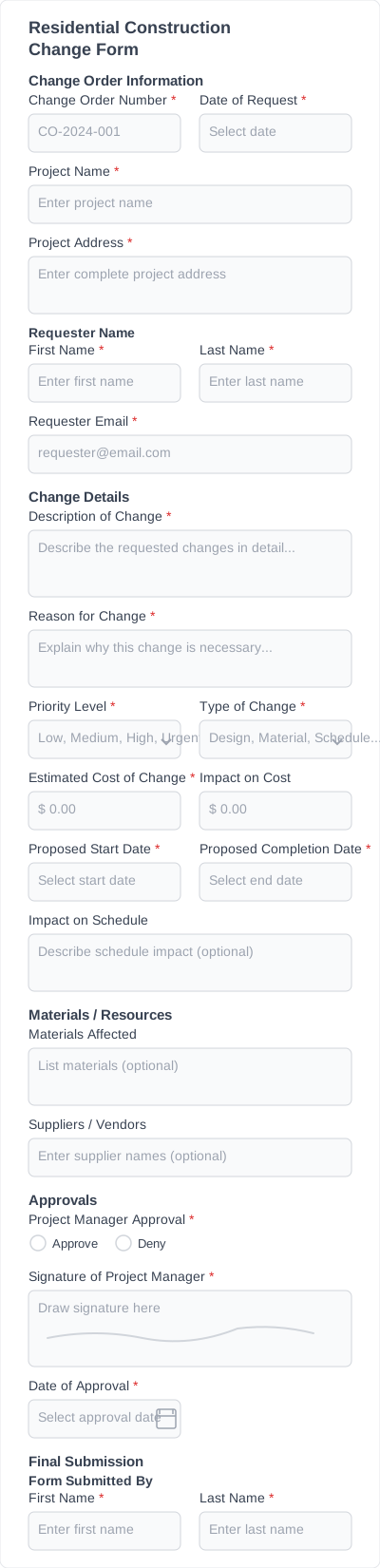
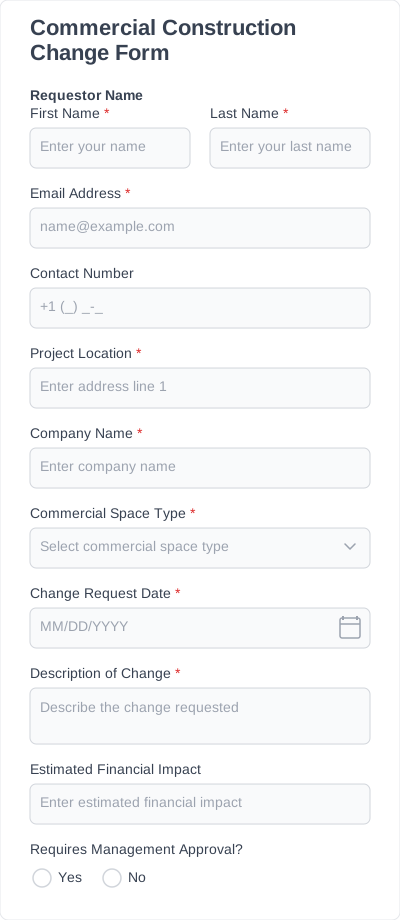
Construction projects often require clear documentation when project scope or materials change. A construction change order form template helps contractors record modifications to plans, costs, and timelines while keeping approvals organized.
Contractor change order forms
Independent contractors and service providers can use change order forms to document adjustments to service agreements. These forms help ensure both parties agree on updated work details and pricing.
Remodeling and renovation projects
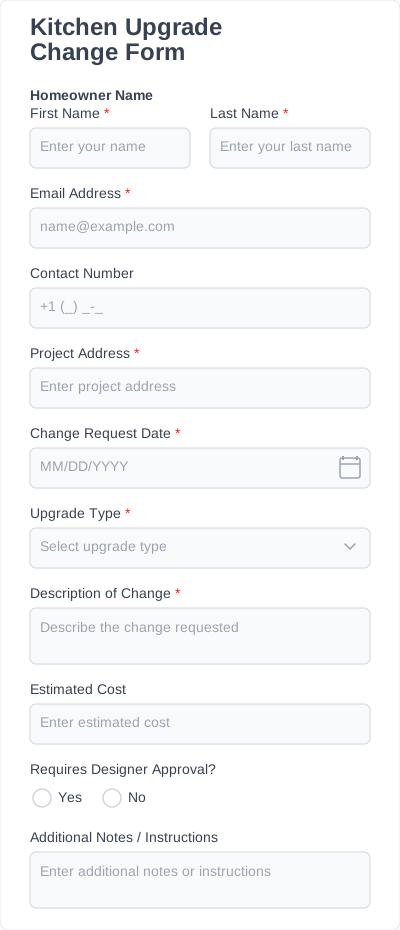
Home renovation or remodeling projects frequently require adjustments to materials, labor, or timelines. A change order form allows contractors and clients to record updates and confirm approvals before additional work begins.
Service project change orders
Businesses that provide installation, repair, or maintenance services may also need to document project updates. A change order request form helps teams track adjustments to project scope, service requirements, or pricing.
Internal project change requests
Change order forms can also be used internally within organizations to document modifications to project plans, resource allocation, or deadlines. This helps teams maintain clear records and avoid miscommunication.
Essential fields for accurate change orders
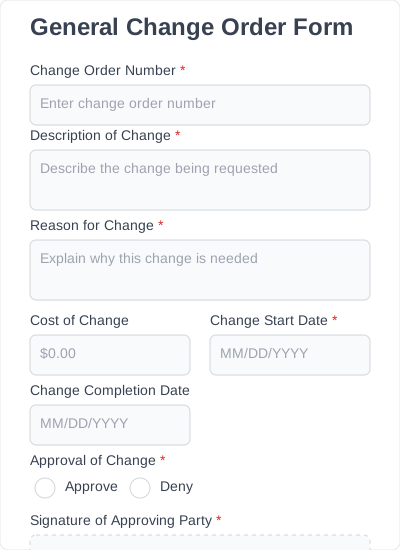
A clear change order form template should include fields that document what is changing, why the change is needed, and how it affects the project. IvyForms templates include the most commonly used fields, which can be customized as needed.
Project information
Add basic project details such as the project name, location, client name, or project ID. This helps link each change order to the correct project.
Change request description
Describe the requested change. This may include updates to materials, services, scope of work, or project specifications.
Reason for the change
Explain why the change is needed. Common reasons include unforeseen conditions, client requests, or adjustments to project requirements.
Cost adjustments
Record any cost increases or decreases related to the change order. This helps keep project pricing clear and transparent.
Timeline updates
Document changes to the project schedule, such as extended deadlines or updated milestones.
Approval and signatures
Signature fields allow project managers, contractors, or clients to formally approve the change order. This confirms that all parties agree to the updated project details.
Increase operational efficiency with change order form templates
Our change order form templates include features designed to help businesses document project changes, track approvals, and manage change requests more efficiently.
Drag-and-drop form builder
Customize your change order form template using a simple drag-and-drop editor. You can add new fields, remove unnecessary sections, or rearrange the layout to match your workflow.
File uploads
Allow contractors, project managers, or clients to attach documents, images, or updated plans directly to the change order form.
Conditional fields
Show or hide form fields based on previous answers. This helps keep forms simple while collecting detailed information when needed.
Electronic signatures
Collect digital signatures from clients, contractors, or project managers to confirm approval of change requests.
Email notifications
Receive automatic email notifications whenever a new change order request is submitted through the form.
Submission management
All change order submissions are stored in your WordPress dashboard, where you can review, organize, and export project updates.
How to customize and add templates to your website in just a few clicks
1. Install IvyForms
Choose a plan, then download and activate the IvyForms plugin on your WordPress website. Once installed, the form builder will appear in your dashboard.
2. Choose a change order form template
Browse the template library and select a change order form template that fits your project workflow. Templates provide a ready-made structure that can be customized.
3. Edit the form fields
Customize the template using the drag-and-drop editor. Add new fields, remove unnecessary ones, or adjust the layout to match your documentation process.
4. Publish the form on your website
Embed the form on any page using a shortcode. Your change order form will be ready to collect submissions online.
5. Start collecting change requests
Once the form is published, project teams or clients can submit change requests directly through your website. All submissions are stored in your WordPress dashboard for easy review and tracking.
Benefits you’ll experience with change order form templates
Using change order form templates helps businesses document project updates more clearly and avoid confusion when project requirements change. Templates provide a structured format for recording updates while keeping all information organized in one place.
- Quick setup: Start with a ready-made change order form template instead of building forms from scratch.
- Clear documentation: Record project changes, cost adjustments, and timeline updates in a consistent format.
- Better communication: Ensure that contractors, clients, and project managers clearly understand the requested changes before additional work begins.
- Flexible customization: Add or remove fields, adjust sections, and adapt the template to match different project workflows.
- Reusable templates: Once customized, the same template can be reused across multiple projects or change requests.
Using a change order form template helps keep project documentation organized while making it easier to track and manage change requests.