

Choose a template
Pick a ready-made form template from our library to get started instantly. Whether it’s a contact form, registration, or order form, you’ll have a solid foundation in seconds.Drag, drop, and you're done.

A webinar feedback form template helps organizers collect insights from attendees after online presentations, training sessions, or virtual events. With IvyForms, you can easily create a digital form to understand how participants experienced the webinar and identify ways to improve future sessions.
Get Template

Pick a ready-made form template from our library to get started instantly. Whether it’s a contact form, registration, or order form, you’ll have a solid foundation in seconds.Drag, drop, and you're done.

Edit your form visually — add, remove, or rearrange fields, adjust layouts, and configure logic. No coding required, just drag, drop, and you’re done.Drag, drop, and you're done.

Publish your form anywhere on your site in minutes. Our templates work seamlessly with WordPress themes and page builders, so collecting submissions is effortless.Drag, drop, and you're done.
This template typically includes fields for attendee name, webinar topic, presenter effectiveness, content clarity, engagement level, and overall satisfaction. You can also include rating scales and open-ended questions where participants can share what they found most useful, suggest improvements, or recommend future webinar topics.
Using a webinar feedback form helps organizers evaluate content relevance, presenter performance, and audience engagement. IvyForms allows you to customize questions, collect responses online, and keep all feedback organized for easy review and analysis.
Whether you host educational webinars, product demos, or professional training sessions, this template helps you gather actionable insights to continuously improve your virtual events.
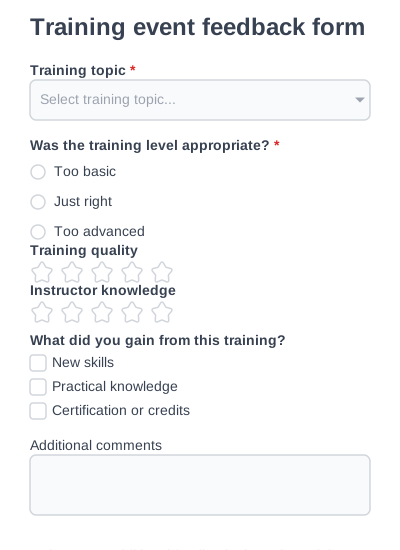
Collect feedback on training-focused or educational events.
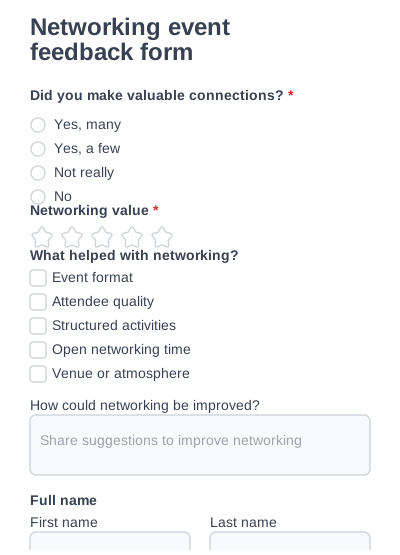
Understand how effective your event was for building professional connections.
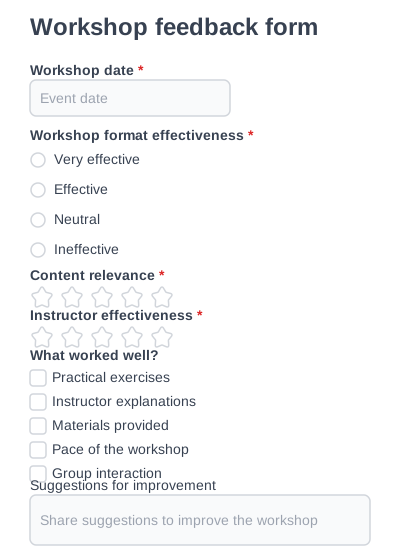
Evaluate hands-on workshops, learning outcomes, and instructor performance.
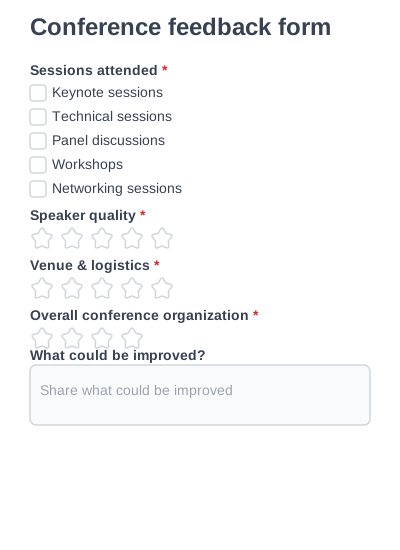
Collect structured feedback about conference content, speakers, and venue quality.
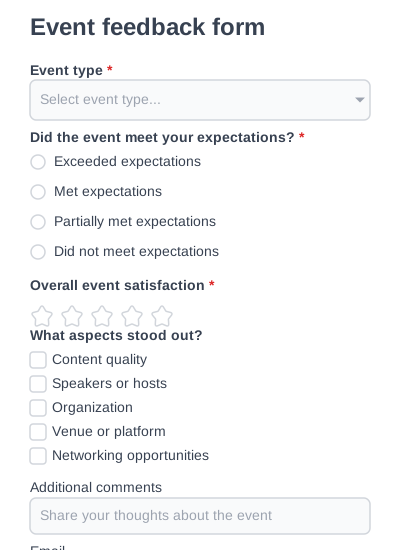
A flexible event feedback form for collecting attendee impressions across any type of events.
Try IvyForms Lite or go Pro. Either way, you’ll love how effortless it feels.