

Choose a template
Pick a ready-made form template from our library to get started instantly. Whether it’s a contact form, registration, or order form, you’ll have a solid foundation in seconds.Drag, drop, and you're done.

A service-specific client feedback form template helps businesses collect targeted feedback about a particular service they provide. With IvyForms, you can create a structured form that allows clients to evaluate their experience and share insights that help improve service quality.
Get Template

Pick a ready-made form template from our library to get started instantly. Whether it’s a contact form, registration, or order form, you’ll have a solid foundation in seconds.Drag, drop, and you're done.

Edit your form visually — add, remove, or rearrange fields, adjust layouts, and configure logic. No coding required, just drag, drop, and you’re done.Drag, drop, and you're done.

Publish your form anywhere on your site in minutes. Our templates work seamlessly with WordPress themes and page builders, so collecting submissions is effortless.Drag, drop, and you're done.
This template typically includes fields for client name, service type, service date, satisfaction rating, quality of service, communication with the team, and overall experience. You can also include open-ended questions for suggestions, areas for improvement, and highlights of what worked well.
Using a service-specific client feedback form helps businesses understand how individual services are performing, identify recurring issues, and refine their offerings. IvyForms makes it easy to customize questions, add rating scales, and automatically organize submissions for clear analysis.
Whether you offer consulting, maintenance, creative services, or technical support, this template helps you gather meaningful feedback that supports continuous improvement and stronger client relationships.
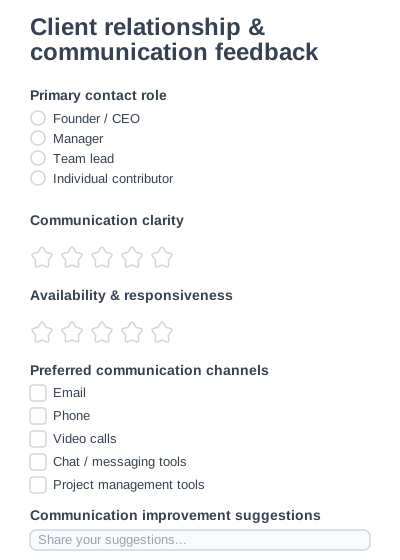
Collect focused feedback on client communication and strengthen client relationships easily.
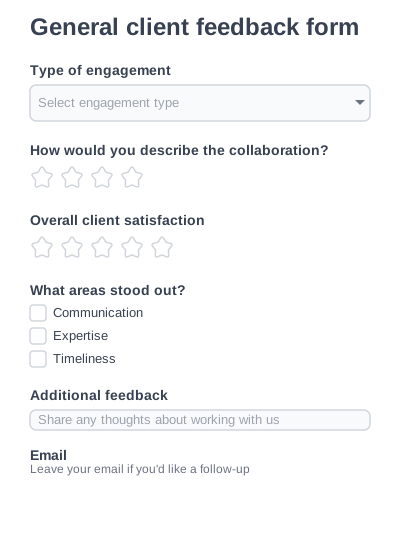
A flexible client feedback form for collecting overall impressions of working with your company.
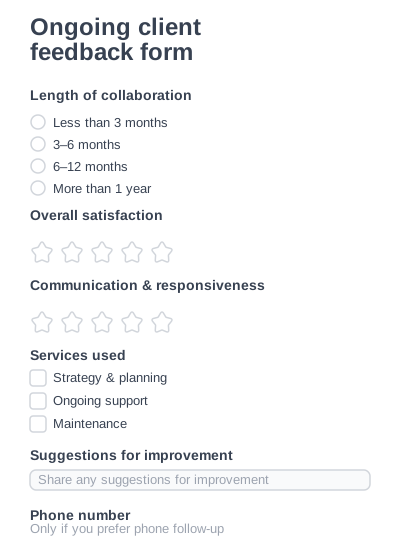
Measure satisfaction of long-term or retainer-based clients.
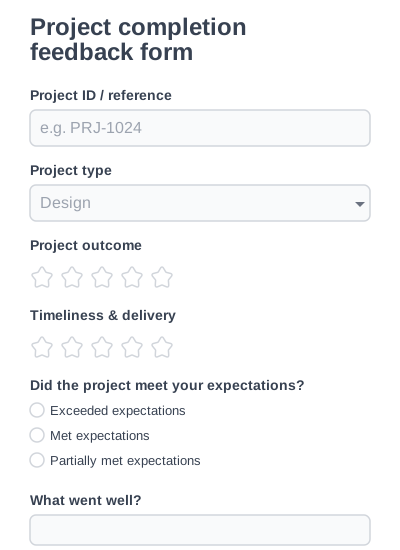
Collect structured feedback after completing a client project.
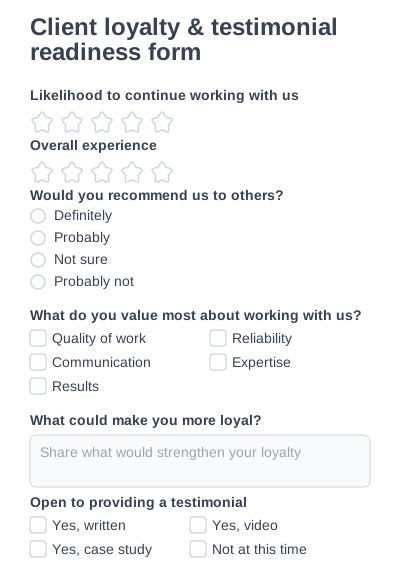
Measure client loyalty and identify clients open to giving testimonials or referrals.
Try IvyForms Lite or go Pro. Either way, you’ll love how effortless it feels.