



Forms that look like you built them – because you did
Get full control, consistent design, and forms that feel like part of your website – down to every detail.
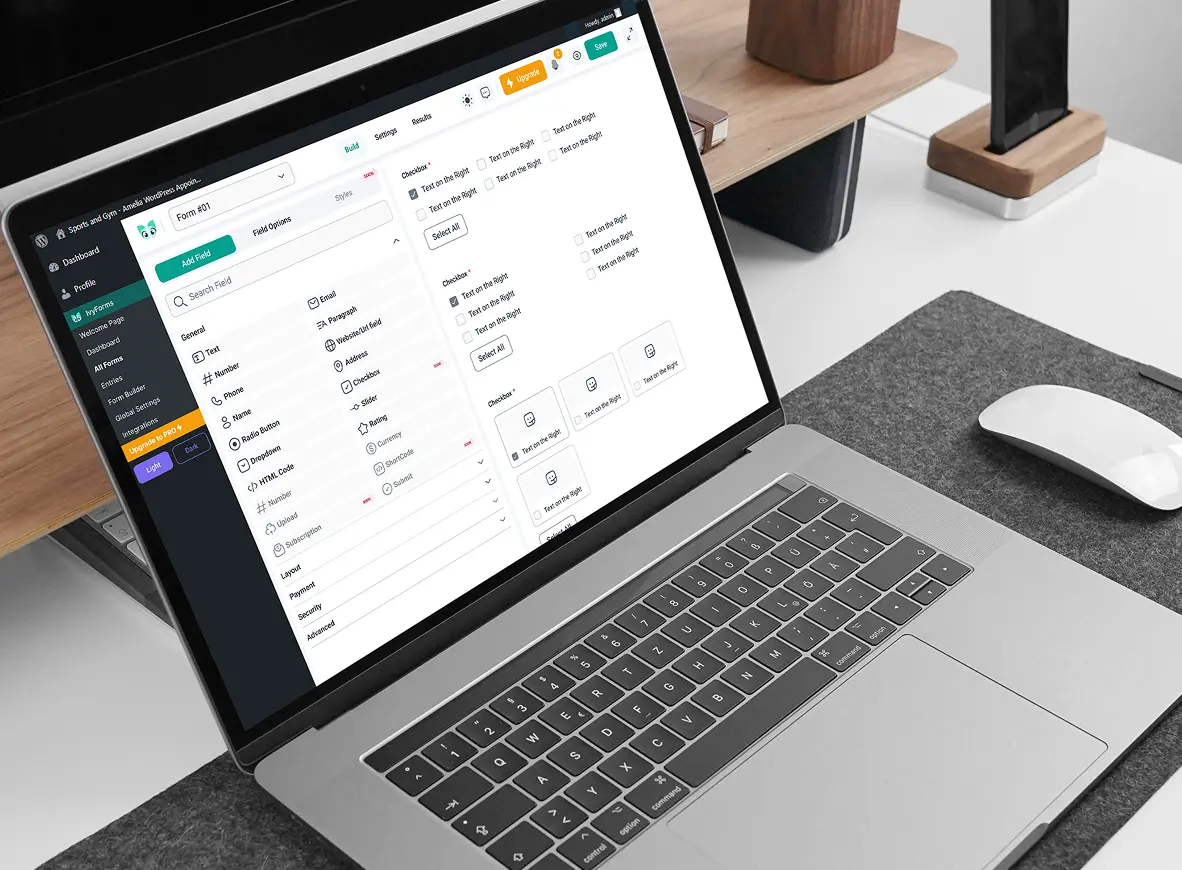
Create, customize, and style your form the way you want. Control layout, fields, and design without writing code.
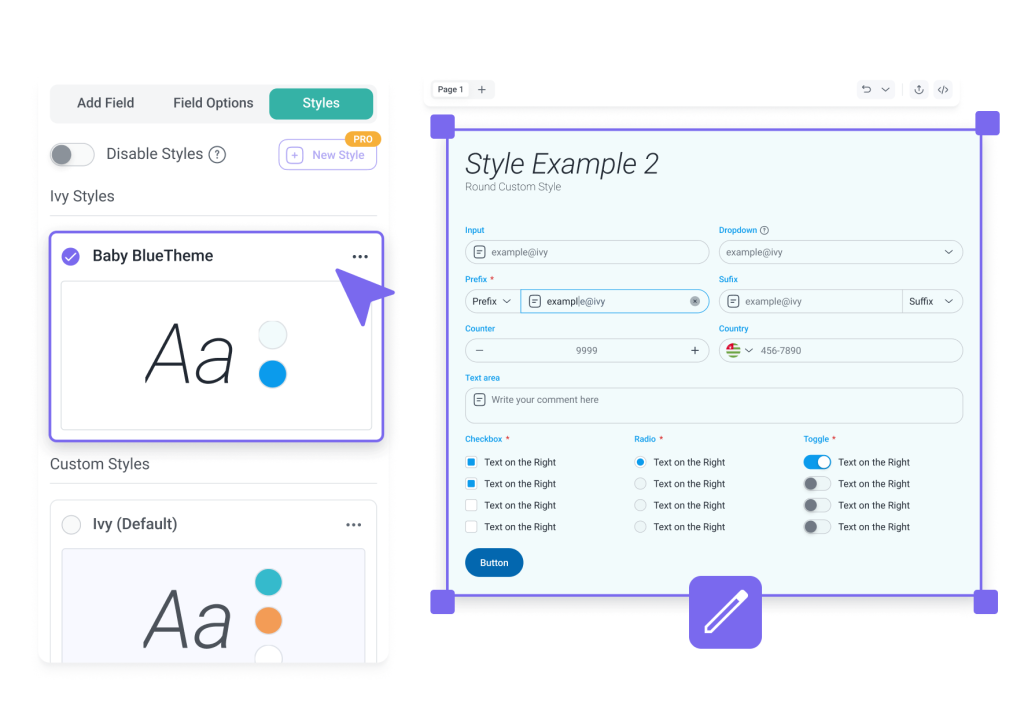
look the same
Generic forms don’t reflect your brand. Default styles, limited layout control, and design constraints make it hard to build a form that actually fits your website.
Take control of how your forms look and feel. Adjust layouts, field sizing, and styling so every form fits your brand.
Apply custom styling so your form looks like part of your website. Start with a predefined theme, customize it fully, or revert back at any time.
Update layout, fields, and styling without using CSS or relying on a developer. See changes instantly in the editor, including states and messages, before going live.
Adjust columns, field sizing, and spacing to fit your content. Use quick settings for fast changes or advanced options for full control.
Get full control, consistent design, and forms that feel like part of your website – down to every detail.

Change your form whenever you need to, without waiting or asking for help. Handle updates on your own without slowing things down.
Bring your style into every form. Replace generic defaults with colors, fonts, and details that feel like your brand.
Go live with updates without worrying about what might break. Your form stays clean, structured, and ready to use.
Give every visitor the same clear experience across devices. Your form stays easy to use on desktop, tablet, and mobile.
IvyForms helps you customize forms for different use cases while keeping them consistent with your website.
IvyForms is part of the Melograno family — the creators of Amelia, Trafft, and wpDataTables — trusted by over 170,000 WordPress professionals and businesses worldwide.
When you choose IvyForms, you’re backed by years of proven experience and a community that values quality, performance, and innovation.
Yes. With IvyForms, you can create a custom form using a visual WordPress custom form builder. Add fields, adjust layout, and style your form without writing code.
Yes, form customization is available in the free Lite version. Paid plans include pre-designed themes that help you style forms faster.
IvyForms focuses on full control over layout, fields, and styling. Unlike many tools, this WordPress custom form builder lets you create forms that match your website without relying on code or workarounds.
Yes. You can adjust colors, fonts, spacing, and layout so your WordPress custom form fits naturally into your theme and overall design.
No. Forms remain fast and responsive even with advanced customization. IvyForms is built as a lightweight custom form plugin in WordPress, so performance stays consistent.
Not yet. This option is planned for a future update, so you’ll be able to export your custom theme and reuse it as a template for other forms.
Try IvyForms Lite or go Pro. Either way, you’ll love how effortless it feels.